#1 · best overall
Notepad++ Free
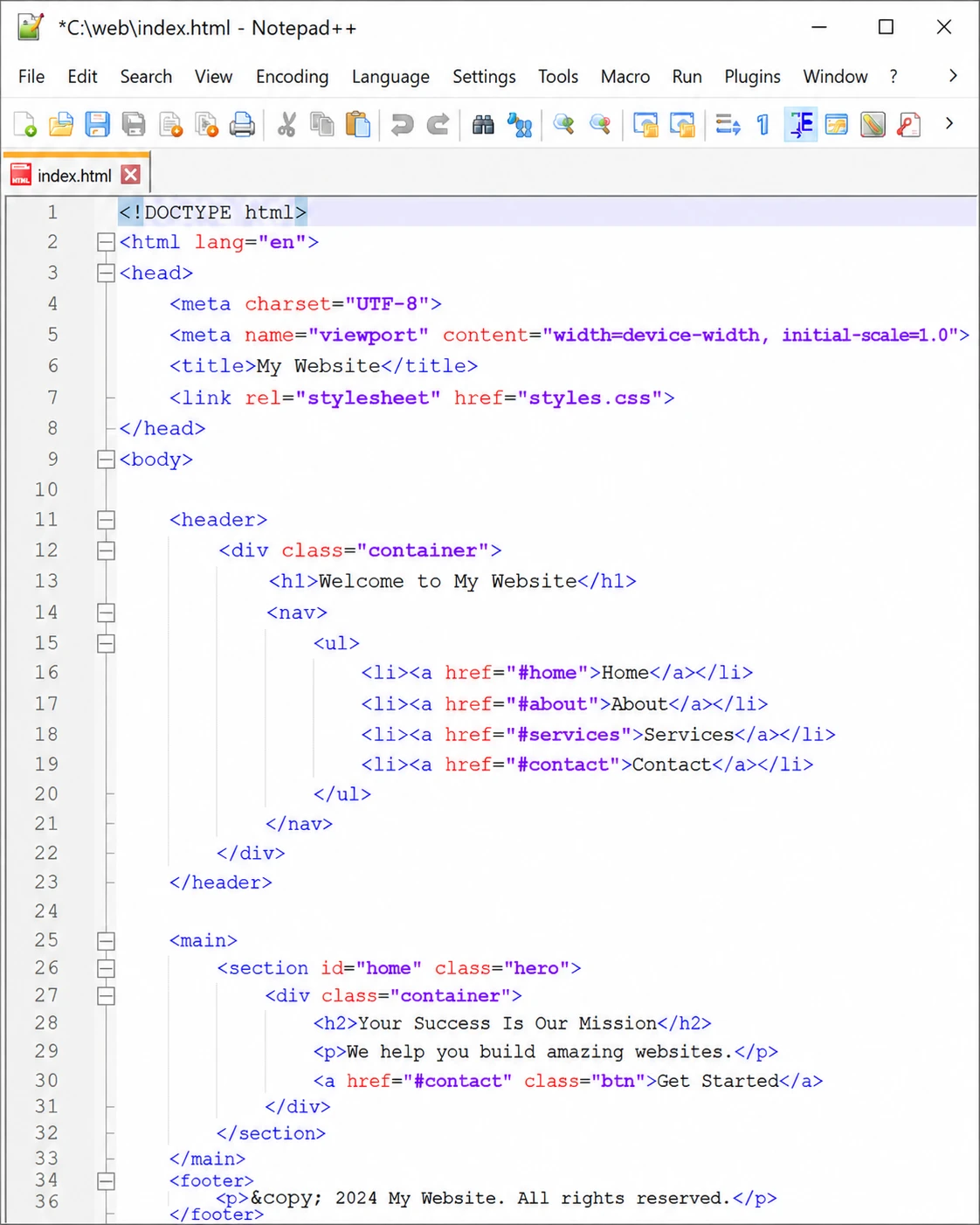
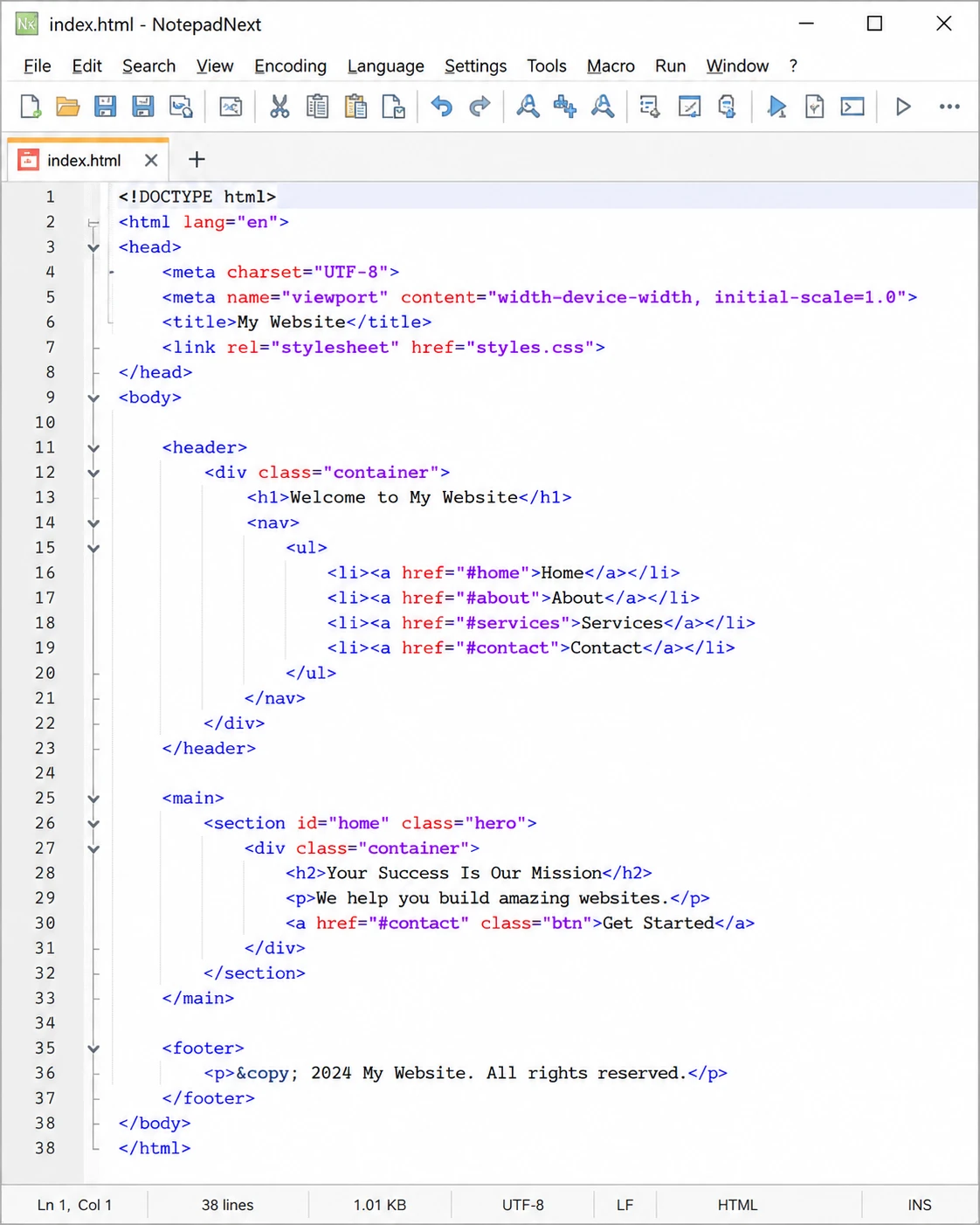
The editor that defined lightweight text editing on Windows. Notepad++ is open source, extremely fast, and backed by a plugin ecosystem that can bolt on almost any feature imaginable. Twenty years of refinement show in its stability: it simply never lets you down, which is why it remains our number one for Windows.
- Syntax highlighting for 80+ languages with code folding
- Huge plugin ecosystem via the built-in Plugins Admin
- Powerful regex search, replace and Find in Files
- Macro recording and playback for repetitive edits
- Session restore keeps unsaved tabs across restarts
Visit Homepage
#2 · best built-in toolset
APIVoid Notepad Free
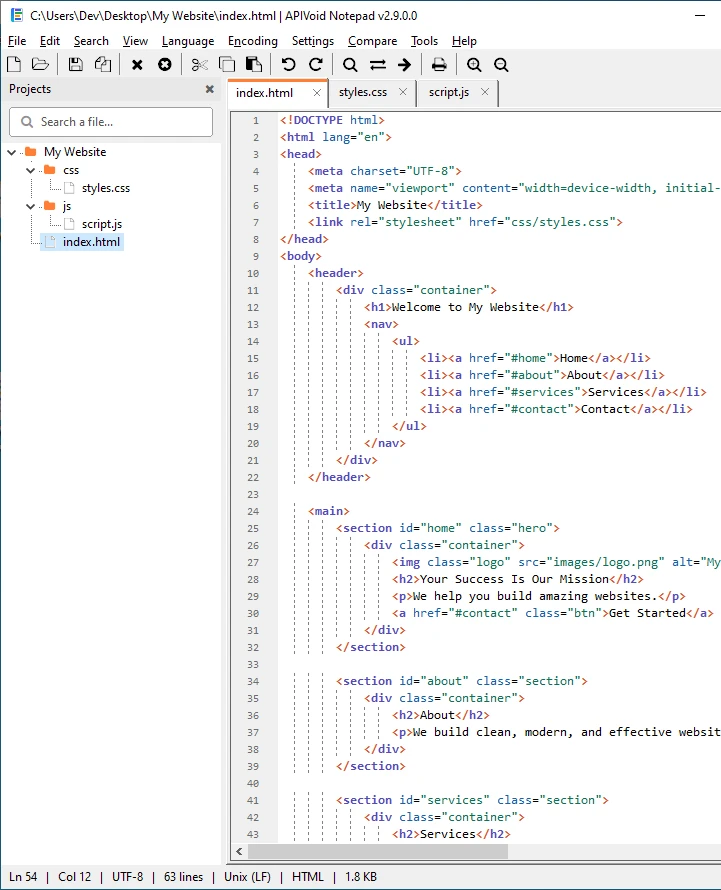
A new free editor for Windows. Where other editors rely on plugins, our APIVoid Notepad ships everything built in: CSV tools, file monitoring (tail), regex Find in Files, and unique data-analysis features like URL/IP/hash extraction, defang/refang and log triage. It starts instantly and comfortably opens files over 1GB, which makes it the go-to editor for log analysis and IT work.
- Tabbed editing with syntax highlighting for 40+ languages
- Opens 1GB+ text and binary files with fast search
- Extracts URLs, domains, IPs, emails and hashes from any text
- CSV operations, file monitoring (tail) and log signal detection
- Find in Files with regex, file hashing and digital signer info
Visit Homepage
#3 · best for programming
Visual Studio Code Free
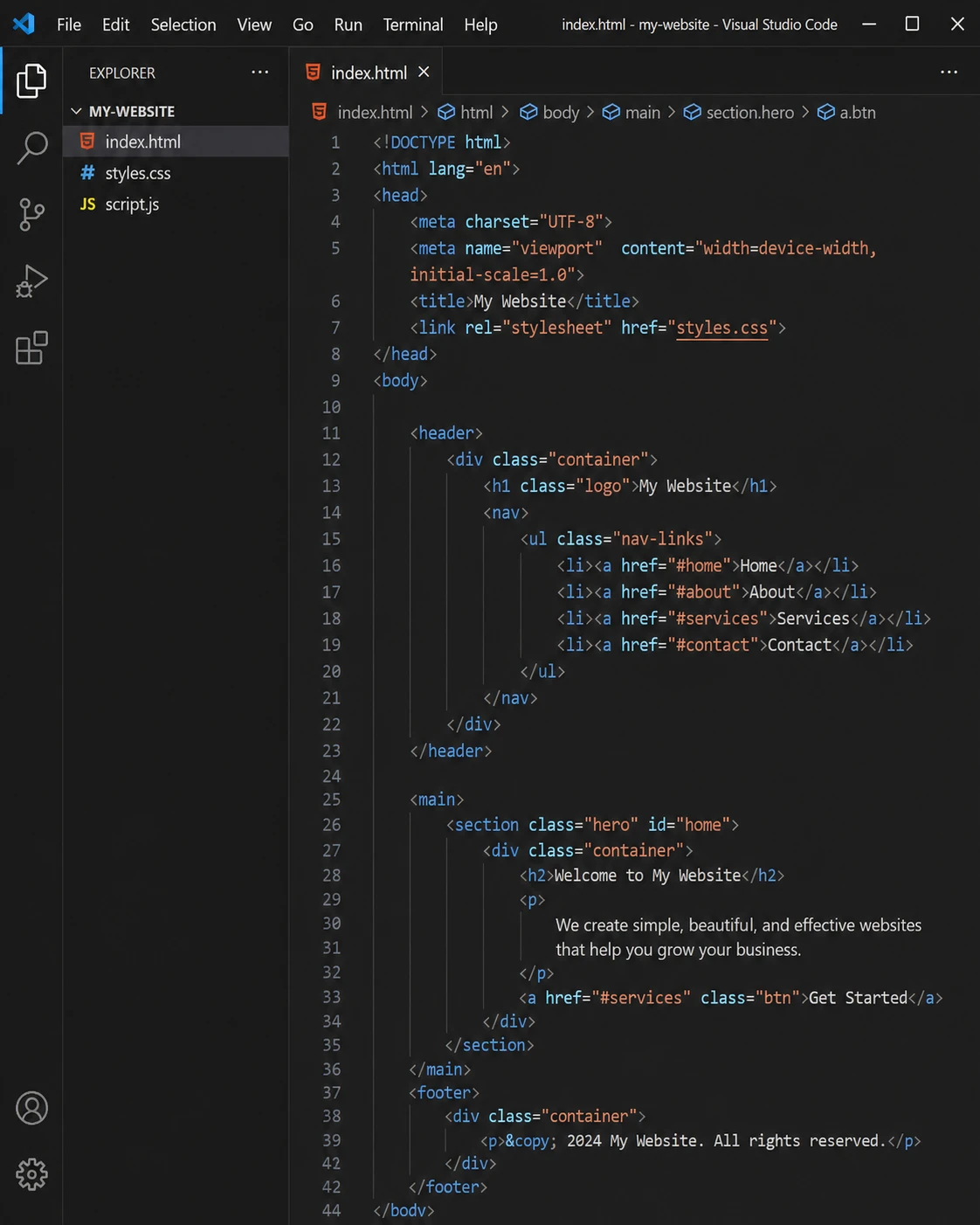
If you write code all day, VS Code is the default answer. Microsoft's free editor pairs IntelliSense completions and debugging with the largest extension marketplace in existence. It is heavier than the native editors above it and weak with huge files, but for full-time development nothing offers more for zero dollars.
- Tens of thousands of extensions for every language and tool
- IntelliSense auto-completion and built-in debugging
- First-class Git integration and source control view
- Integrated terminal, tasks and remote development (WSL, SSH)
- AI-assisted coding via GitHub Copilot integration
Visit Homepage
#4 · best paid editor
Sublime Text Paid
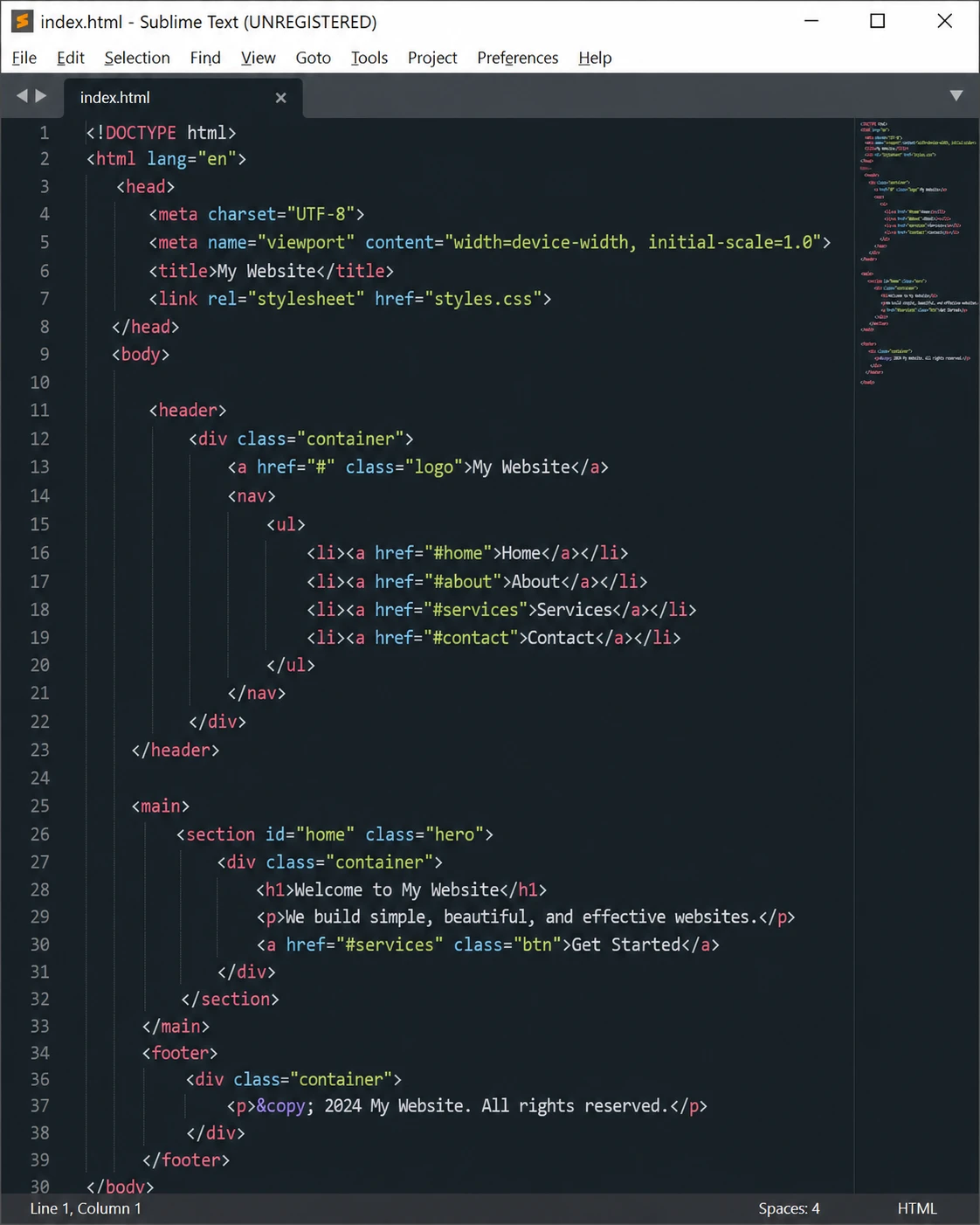
Still the smoothest editing experience money can buy. Sublime's GPU-accelerated rendering makes scrolling and typing feel instantaneous even in massive files, and its multi-cursor workflow changed how a generation of developers edit text. The $99 license is one-time (per major version), and the unlimited evaluation lets you decide at your own pace.
- Exceptional speed, even with very large files
- Goto Anything: jump to any file, symbol or line instantly
- Best-in-class multi-cursor and column selection
- Package Control ecosystem with thousands of plugins
- One-time license, free unlimited evaluation
Visit Homepage
#5 · best notepad++ clone
NotepadNext Free
An open-source reimplementation of Notepad++ built with Qt. It reproduces the familiar look, shortcuts and behavior in a modern codebase that also runs on macOS and Linux. Still officially in development, but already stable enough for daily editing, and the closest thing to Notepad++ with a modern foundation.
- Familiar Notepad++ interface and keyboard shortcuts
- Tabbed editing with Scintilla-based syntax highlighting
- Cross-platform: the same editor on Windows, Mac and Linux
- Modern Qt codebase under active open-source development
- Free and open source, portable version available
Visit Homepage
#6 · best for huge files
UltraEdit Paid
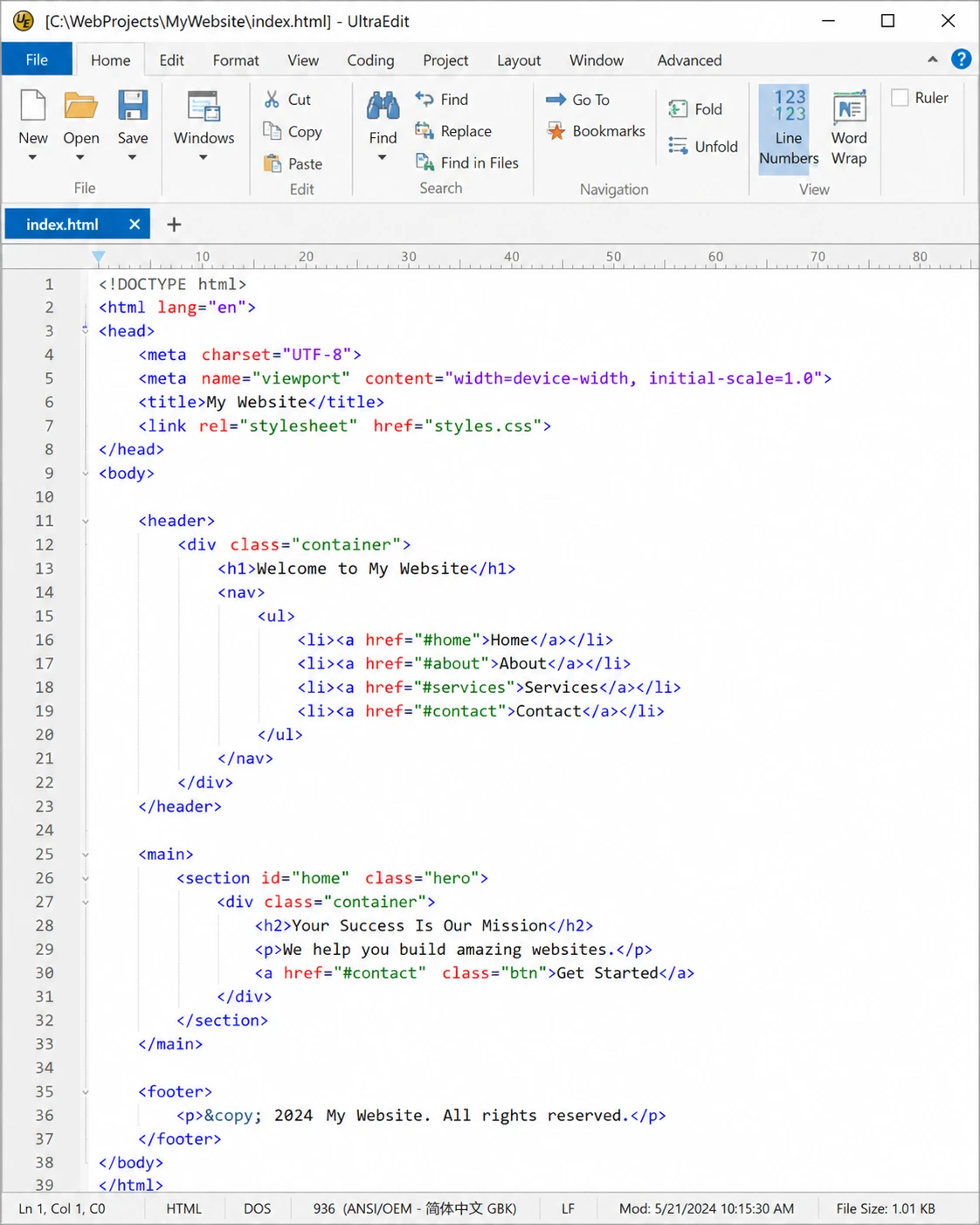
The professional heavyweight, in continuous development since 1994. UltraEdit is engineered for jobs other editors refuse: opening 10GB+ database dumps, hex-editing binaries and column-editing fixed-width data. Subscription pricing makes it the most expensive editor here, but for enterprise data work it earns its keep.
- Handles multi-gigabyte files that break other editors
- Built-in hex editor and column/block editing mode
- Integrated FTP/SFTP for editing remote files directly
- Large-scale find and replace across entire directories
- Includes UltraCompare for file and folder diffs
Visit Homepage
#7 · best hidden gem
Kate Free
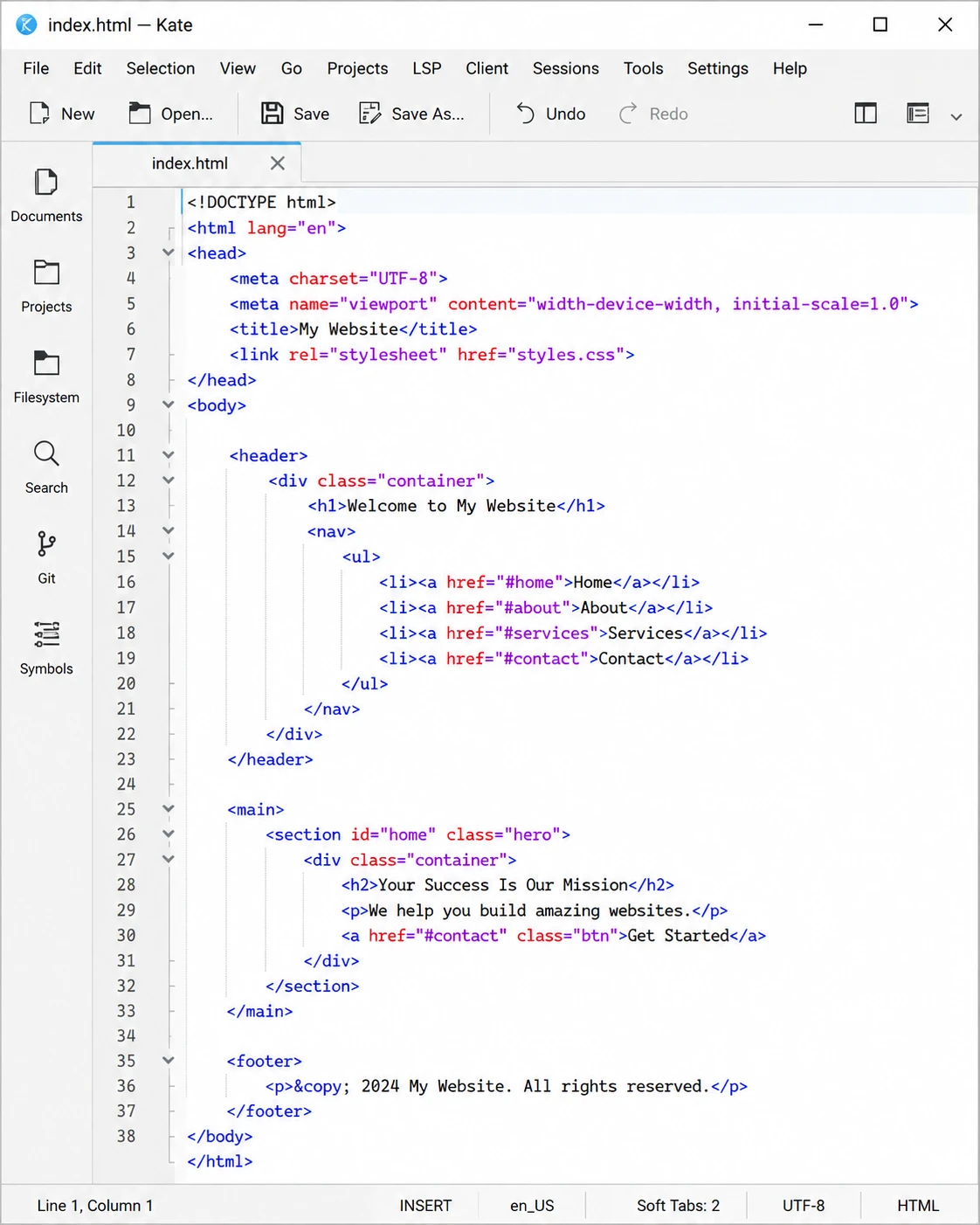
KDE's advanced editor deserves far more attention on Windows. Kate quietly delivers features that usually cost money: split views, an embedded terminal, LSP-powered code completion and full project support, in a completely free, open-source package available straight from the Microsoft Store.
- Split the window into multiple views of any files
- LSP support brings IDE-style completions and navigation
- Embedded terminal panel inside the editor
- Highlighting definitions for 300+ languages and formats
- Sessions, project plugin and SQL tooling included
Visit Homepage
#8 · best for giant CSVs
EmEditor Paid
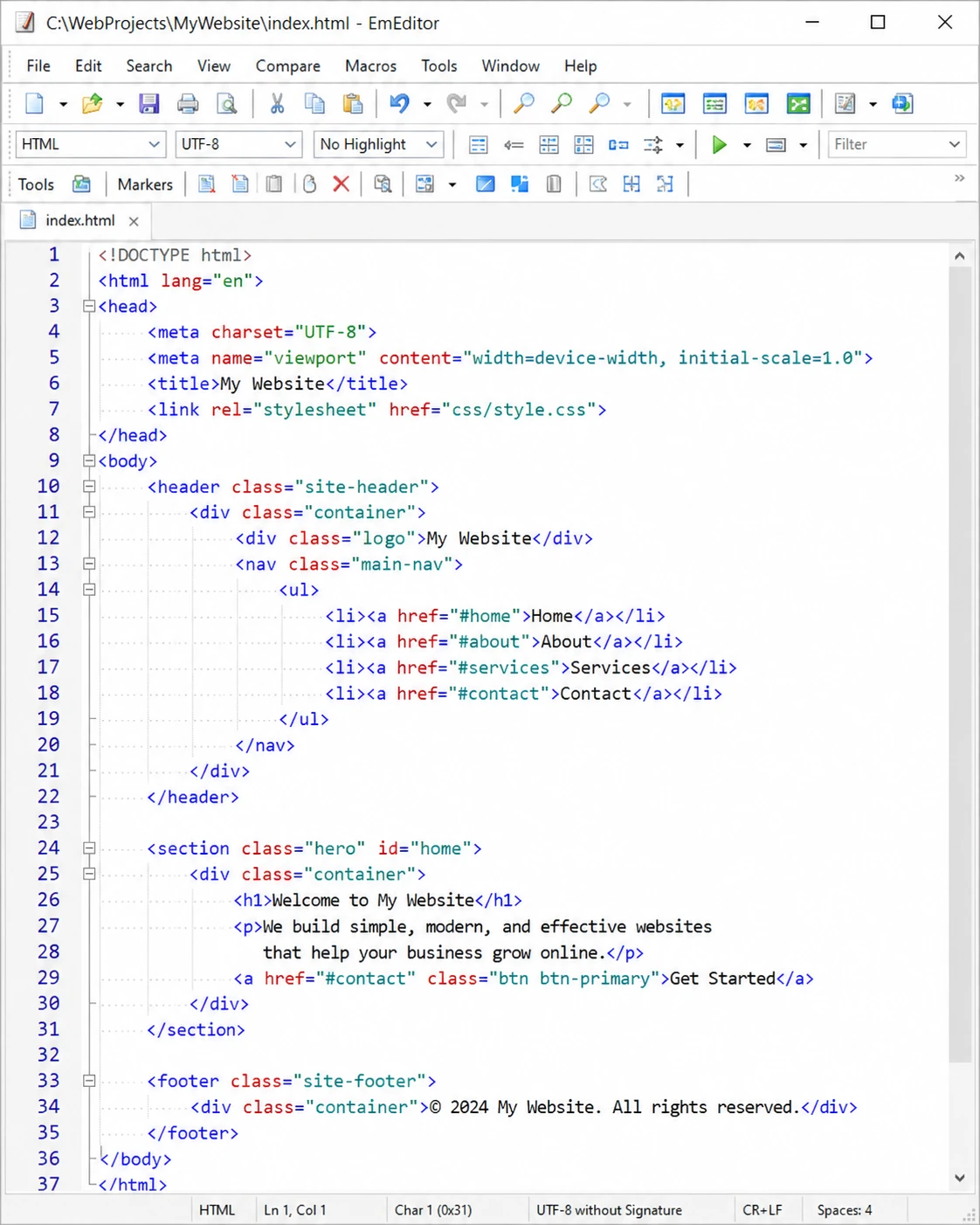
A Windows-native editor famous for two things: opening files up to hundreds of gigabytes, and treating CSV like a first-class citizen with sorting, filtering and column editing that rivals a spreadsheet. If your daily work is huge exported datasets, EmEditor is purpose-built for you. A limited free version exists, but the real power is in the paid edition.
- Opens files up to 16TB with minimal memory use
- Full CSV mode: sort, filter and edit columns like a spreadsheet
- Multi-threaded find and replace across huge files
- Scriptable macros (JavaScript/VBScript) and plugins
- Vertical/column selection and powerful line operations
Visit Homepage
#9 · best notepad replacement
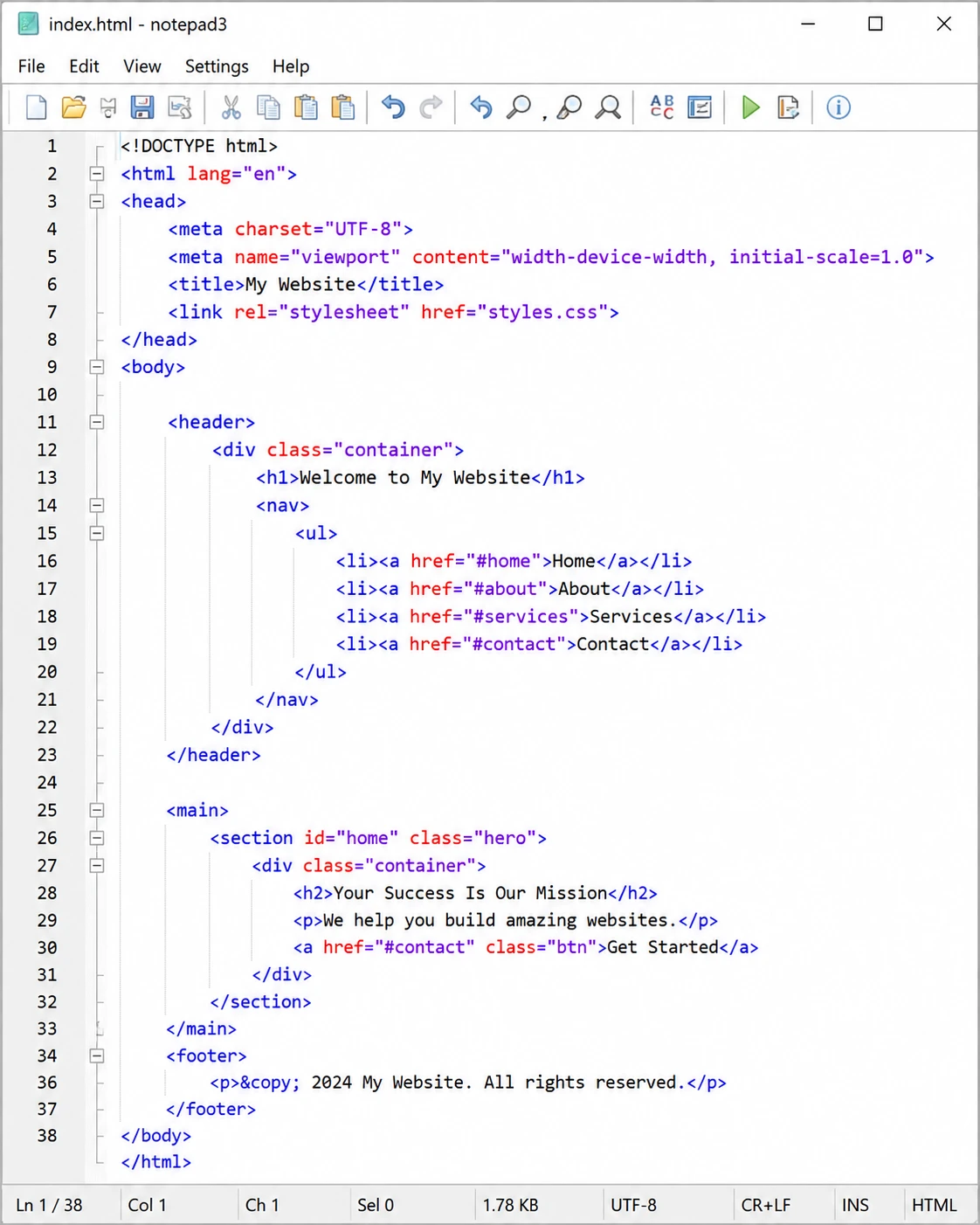
Notepad3 Free
A tiny, single-window editor designed to replace Windows Notepad system-wide. It keeps Notepad's instant feel while adding syntax highlighting, regex search and encoding tools. No tabs, and that is the point: one file, opened faster than anything else on this list.
- Near-instant startup, minimal memory footprint
- Syntax highlighting for all common languages
- Regex find and replace with match highlighting
- Full encoding control (UTF-8, UTF-16, ANSI, EOL conversion)
- Can fully replace Windows Notepad system-wide
Visit Homepage
#10 · best regex engine
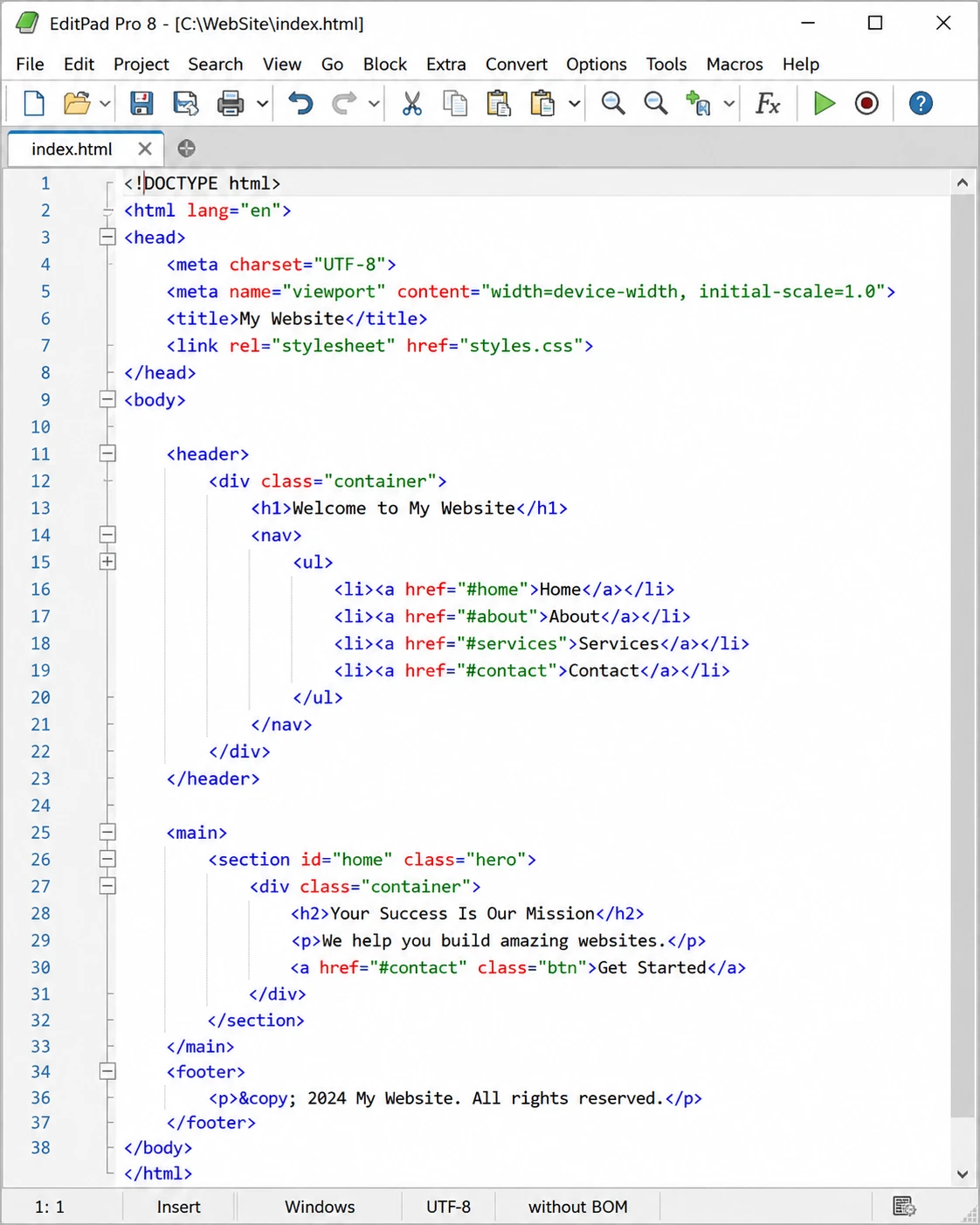
EditPad Pro Paid
Built by the team behind RegexBuddy, EditPad Pro has the most powerful and best-documented regular expression engine of any editor. Add rock-solid unlimited undo, managed file histories and a one-time license, and it is the quiet professional's choice for heavy text manipulation.
- Best-in-class regex search with detailed syntax support
- Search and replace across files, folders and archives
- Unlimited undo/redo that survives saving
- Automatic backups and file version history
- One-time license with free minor upgrades
Visit Homepage
#11 · best lightweight open source
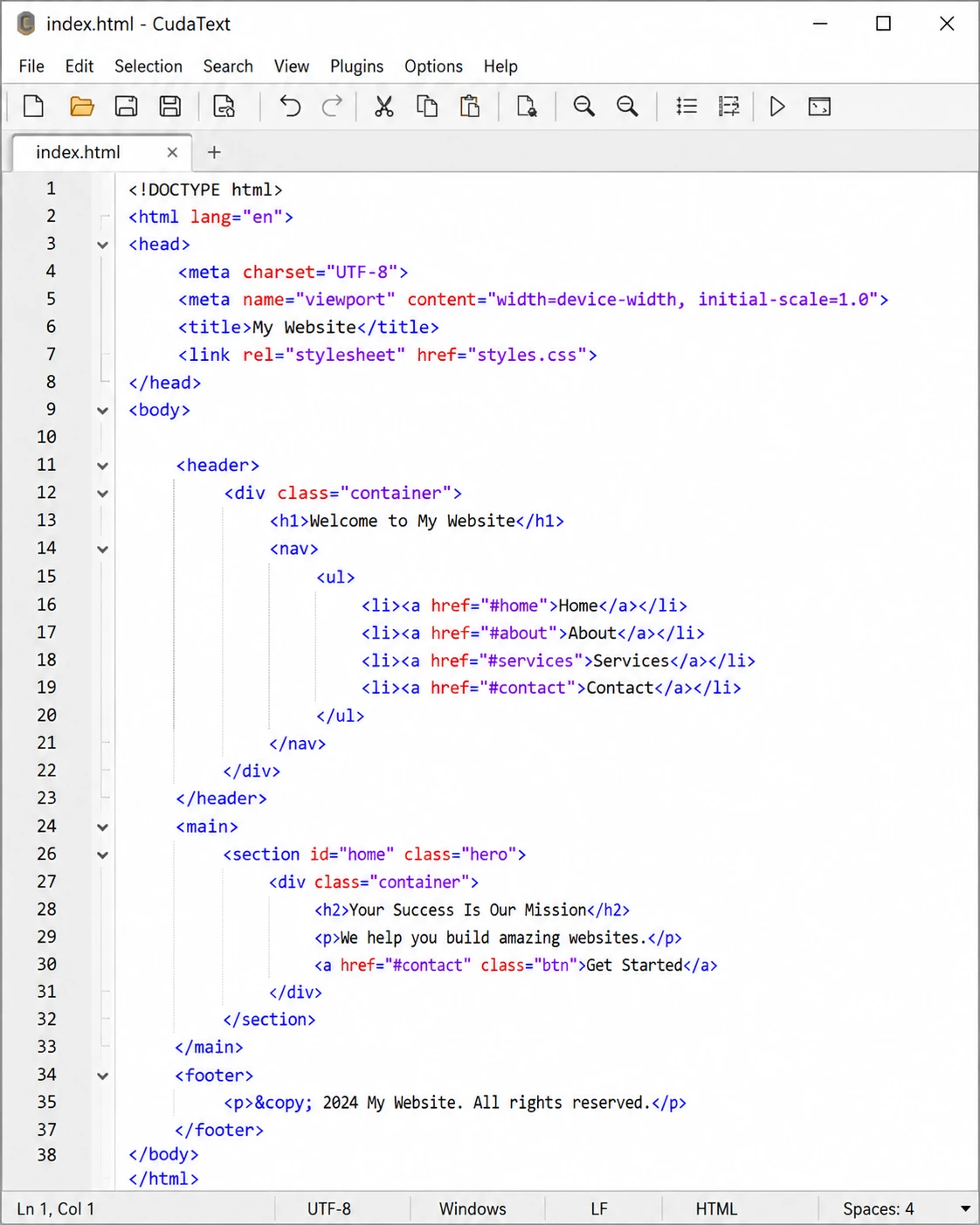
CudaText Free
A fast, open-source editor written in Lazarus/Free Pascal, so it starts in a blink and stays light on memory. Python-based plugins add LSP support, linters and much more, and lexers exist for nearly 300 languages. A great Sublime-style editor for people who want everything free.
- Very fast startup and low memory usage
- Nearly 300 syntax lexers available
- Python plugin ecosystem, including LSP code completion
- Multi-carets, multi-selections and code folding
- Portable, open source and cross-platform
Visit Homepage
#12 · the built-in baseline
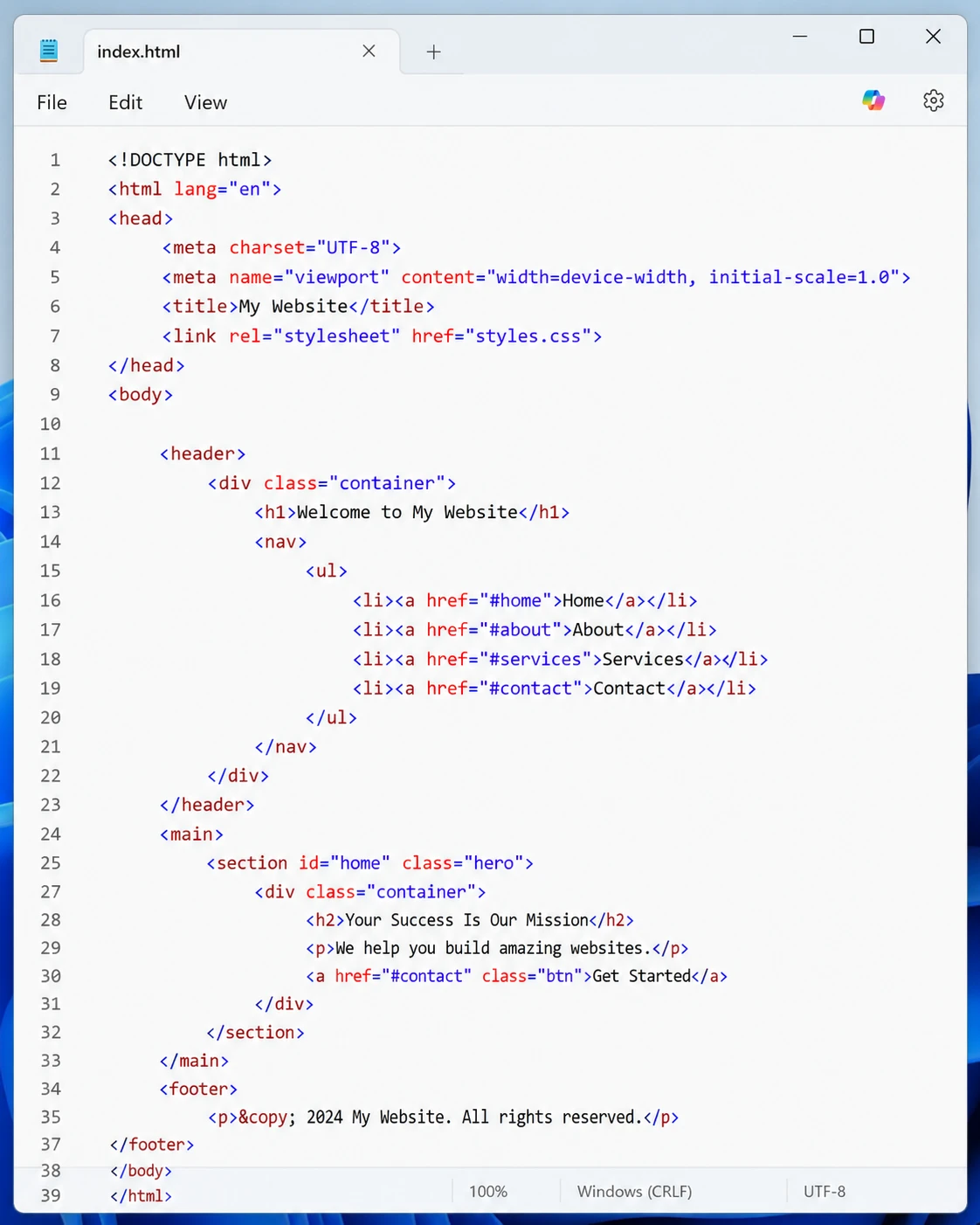
Windows Notepad Free
The editor already on every Windows PC, and genuinely improved: modern Notepad has tabs, dark mode, autosave and even spellcheck. It remains the baseline the rest of this list is measured against; the moment you need highlighting, regex or big files, step up to anything ranked above.
- Pre-installed on every Windows 10/11 machine
- Tabs, dark mode and session autosave
- Instant startup for quick notes and edits
- Automatic encoding detection
- Zero installation or configuration needed
Visit Homepage