#1 · best overall
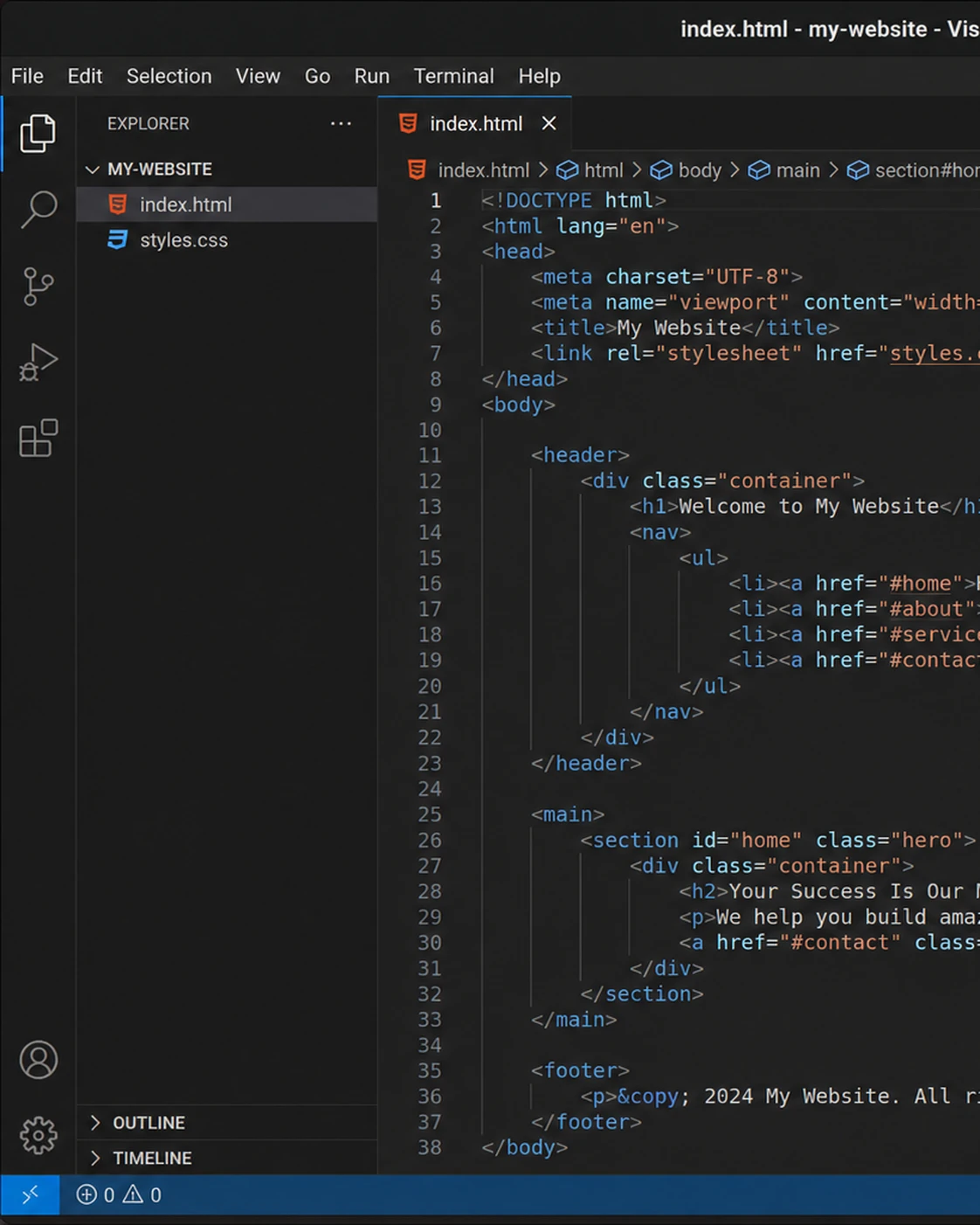
Visual Studio Code Free
The most complete editor on Linux, available as .deb, .rpm, snap and flatpak. VS Code brings its full extension marketplace, debugging and Git tooling to the Linux desktop, and its Remote extensions make it a superb front end for editing on servers and containers. Purists can choose VSCodium, the telemetry-free community build.
- Official .deb/.rpm packages plus snap and flatpak
- Tens of thousands of extensions for every stack
- Remote development into SSH hosts and containers
- IntelliSense, debugging and Git built in
- VSCodium available as a fully open-source build
Visit Homepage
#2 · best open source
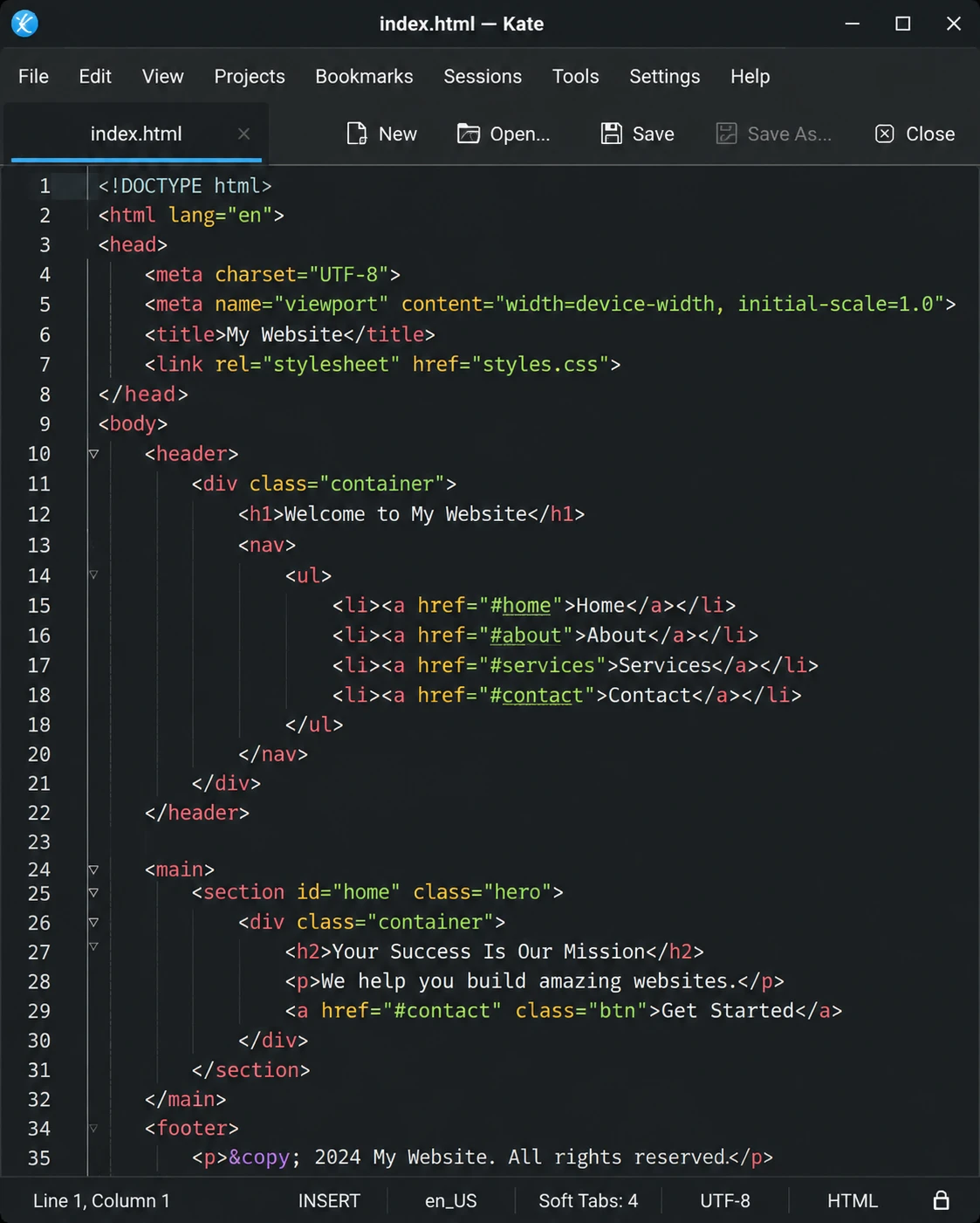
Kate Free
KDE's flagship editor is the best fully open-source GUI editor on Linux, full stop. Split views, LSP completions, an embedded terminal, sessions and project support give it near-IDE power while staying fast and native. On KDE Plasma it's already installed; on any other desktop it's one package away.
- Split the window into multiple views of any files
- LSP support for IDE-style completions and navigation
- Embedded terminal (Konsole) panel
- Highlighting for 300+ languages and formats
- Sessions, projects and SQL plugin included, all free
Visit Homepage
#3 · best paid editor
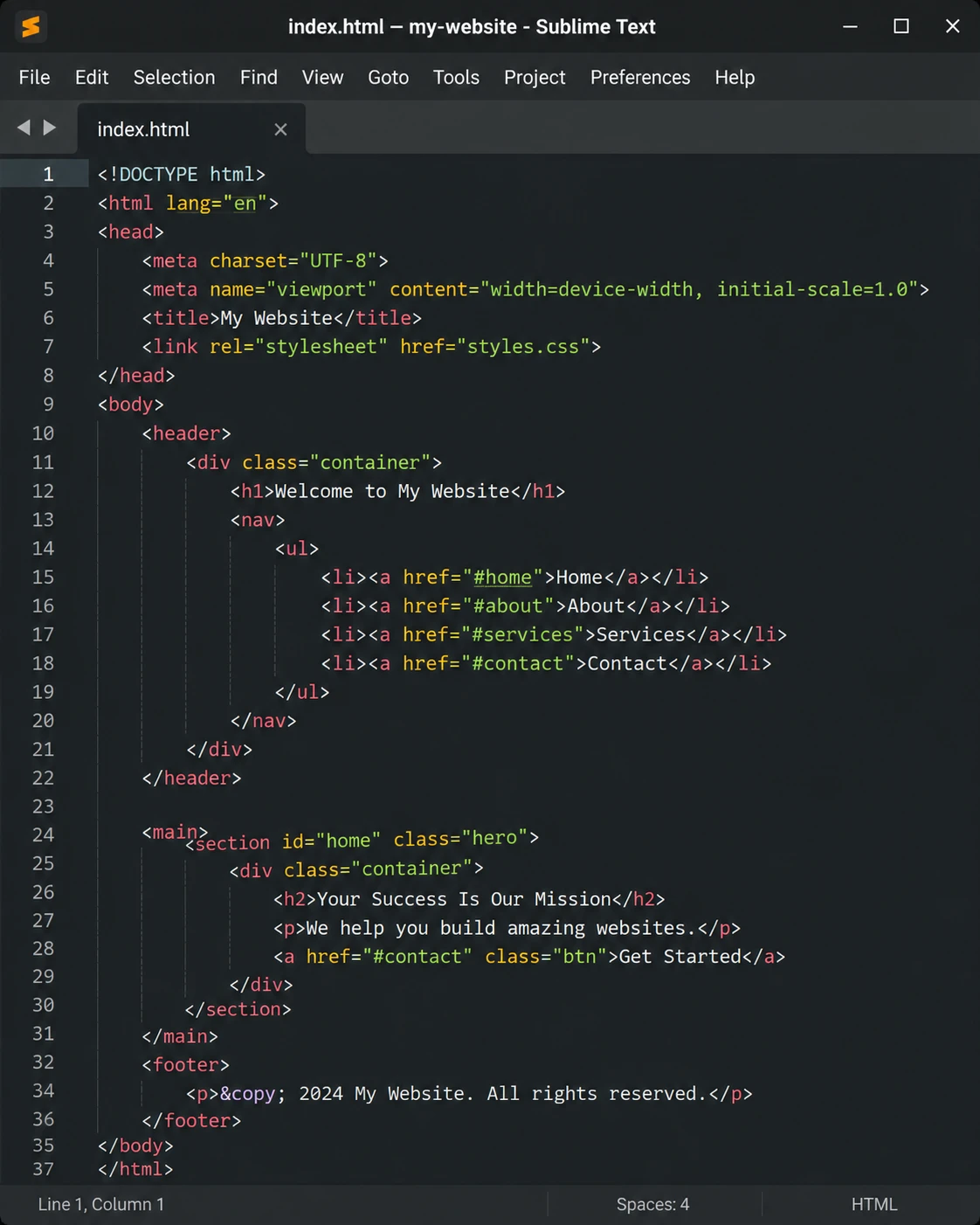
Sublime Text Paid
The one paid editor most Linux users agree is worth it. Official apt/yum/pacman repositories, flawless performance on modest hardware, and the same Goto Anything and multi-cursor magic as on other platforms. The unlimited evaluation means you only pay once you're convinced.
- Official repositories for Debian, Ubuntu, Fedora and Arch
- Exceptional speed, even on older hardware
- Goto Anything navigation and multi-cursor editing
- Package Control ecosystem with thousands of plugins
- One-time license, free unlimited evaluation
Visit Homepage
#4 · best gnome default
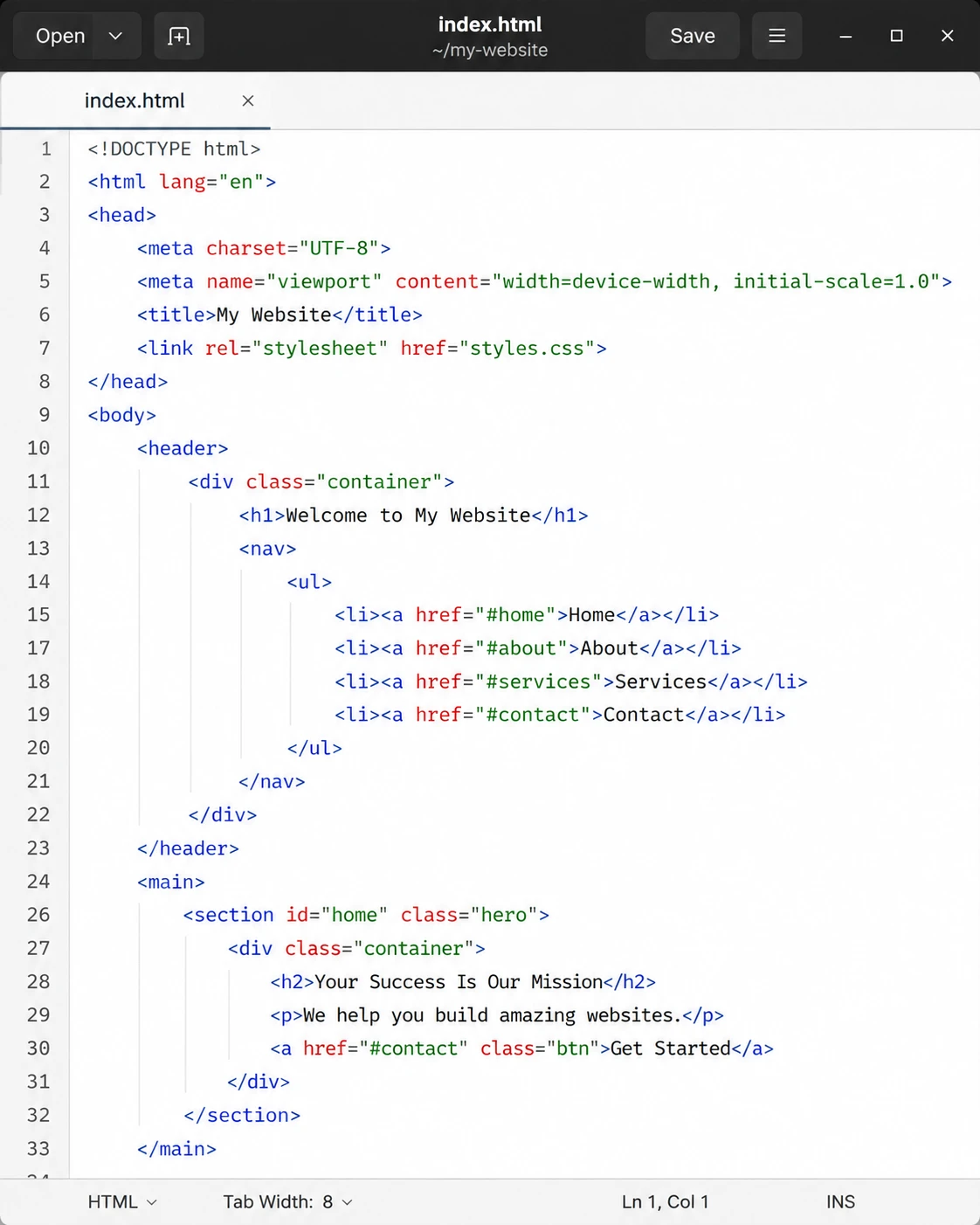
GNOME Text Editor Free
The modern successor of gedit and the default on Ubuntu and Fedora. It nails the essentials with a clean GTK4 interface: syntax highlighting, session restore that never loses work, and automatic dark mode. Not a power tool by design, but a genuinely pleasant everyday editor that's already on your system.
- Pre-installed on modern GNOME distributions
- Clean GTK4/libadwaita design with dark mode
- Session restore: never lose an unsaved draft
- Syntax highlighting for common languages
- Fast, simple and distraction-free
Visit Homepage
#5 · fastest editor
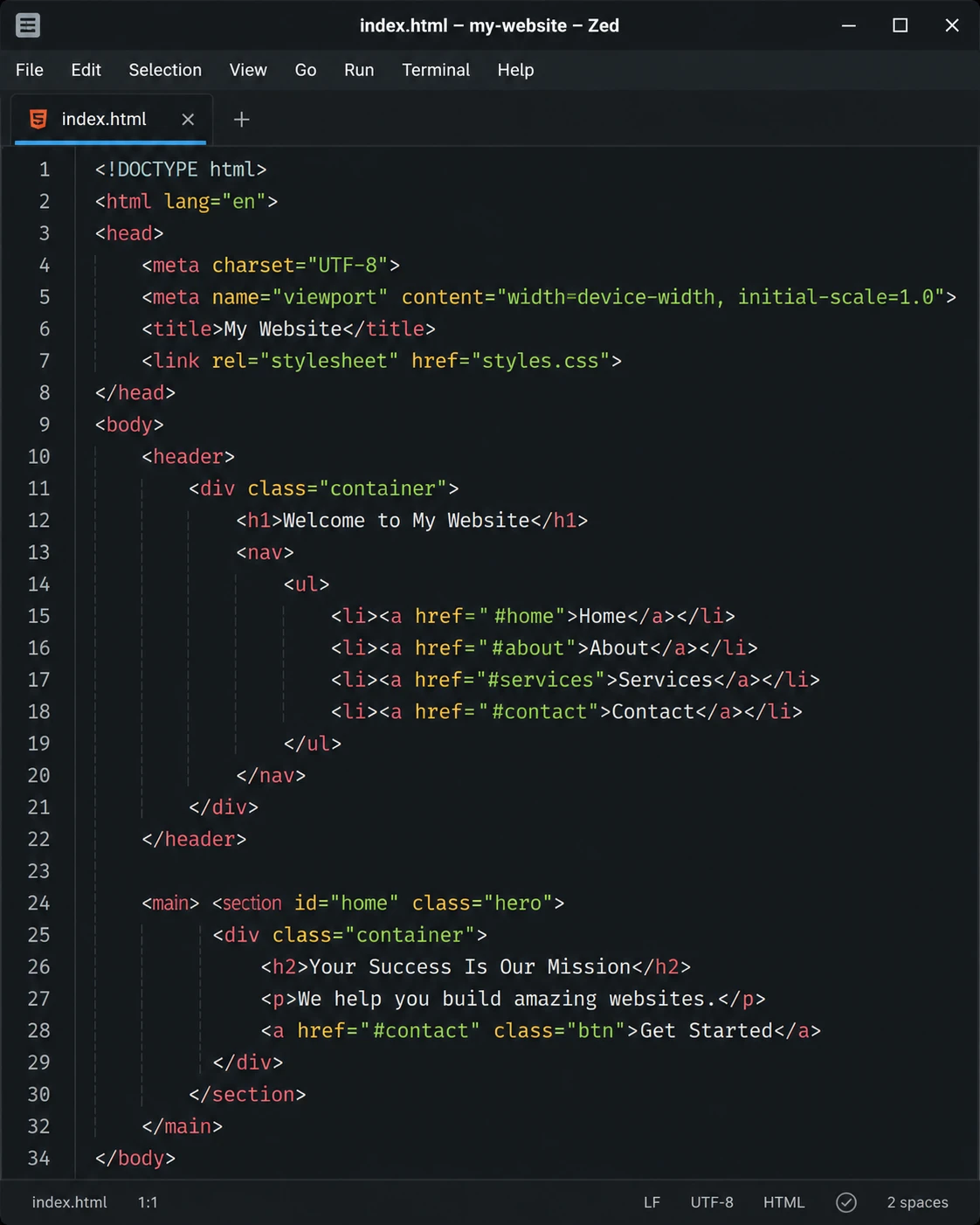
Zed Free
The Rust-built, GPU-rendered editor from the creators of Atom, now a first-class citizen on Linux. It launches instantly, scrolls giant files effortlessly and ships collaboration and AI assistance built in. The most exciting new editor on the Linux desktop in years.
- Rust core with GPU rendering: instant everything
- Native Linux builds (X11 and Wayland)
- Language server support out of the box
- Built-in real-time collaboration
- Free and open source
Visit Homepage
#6 · best lightweight ide
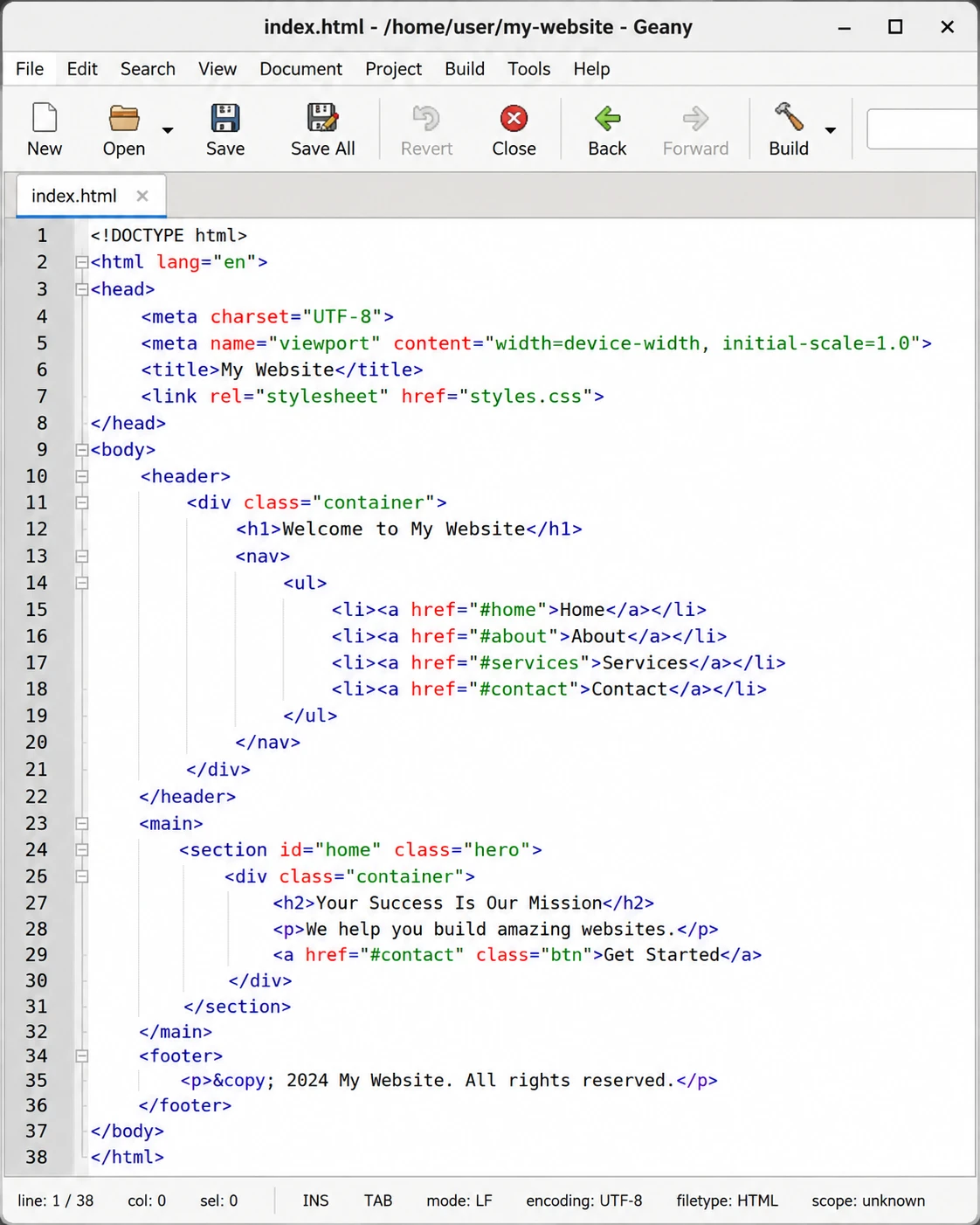
Geany Free
A twenty-year-old favorite that squeezes IDE features into a tiny GTK app: compile and run buttons, a symbol sidebar, project sessions and plugins, while starting in under a second on hardware a decade old. The go-to choice for lightweight distros and older machines.
- Starts in under a second, minimal memory use
- Build system: compile and run from the editor
- Symbol list and code navigation sidebar
- Plugin ecosystem for VCS, spellcheck and more
- In every distro's repositories; free and open source
Visit Homepage
#7 · the classic
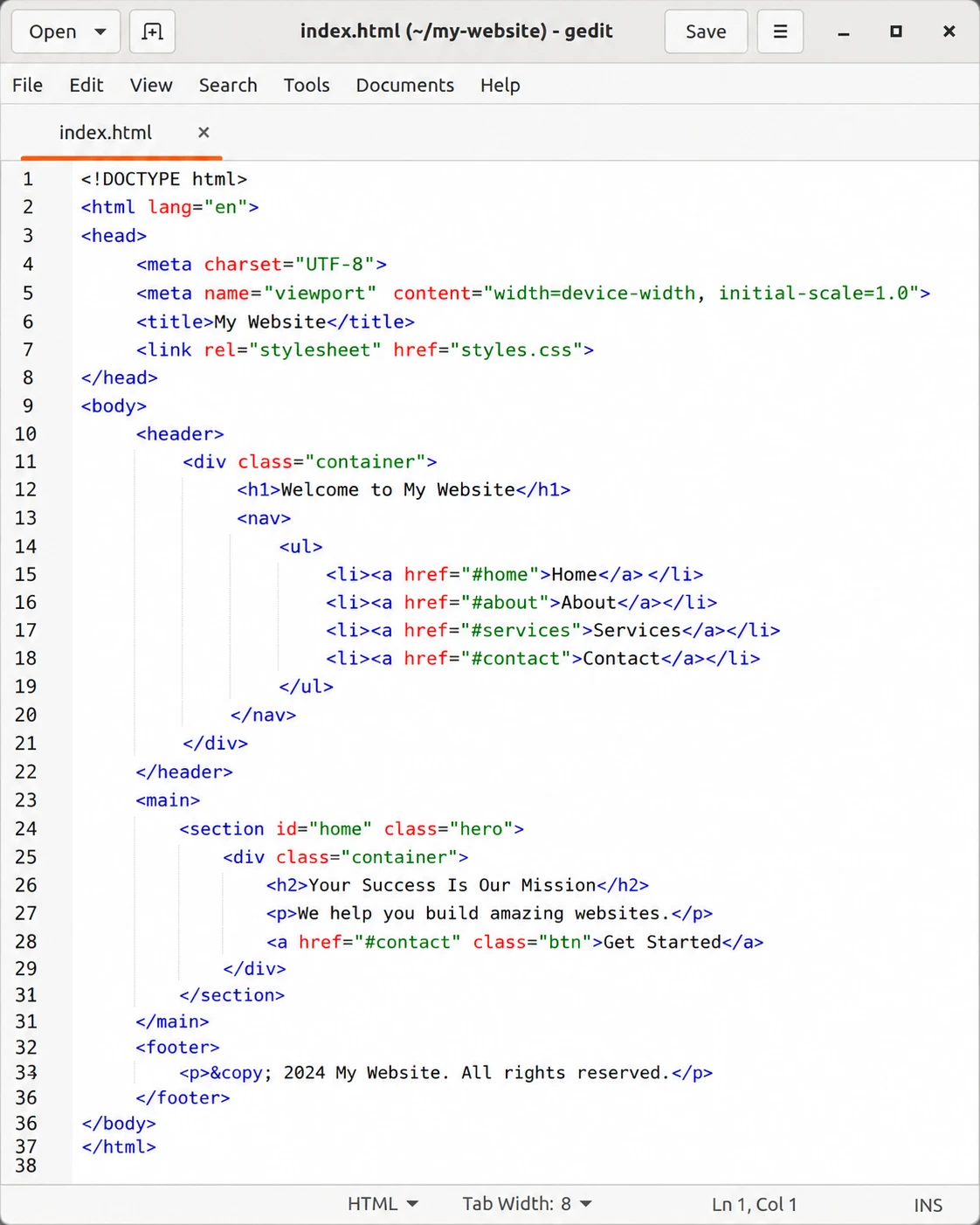
gedit Free
The classic GNOME editor, still actively maintained by the community after GNOME Text Editor took over as default. Its advantage over its successor is the plugin system: snippets, external tools, file browser panel and more. Millions of Linux users still reach for gedit out of pure muscle memory, and it still delivers.
- Mature plugin system (snippets, external tools, file browser)
- Tabbed editing with syntax highlighting
- Familiar interface refined over two decades
- Available in every distribution's repositories
- Free and open source
Visit Homepage
#8 · sublime-style, free
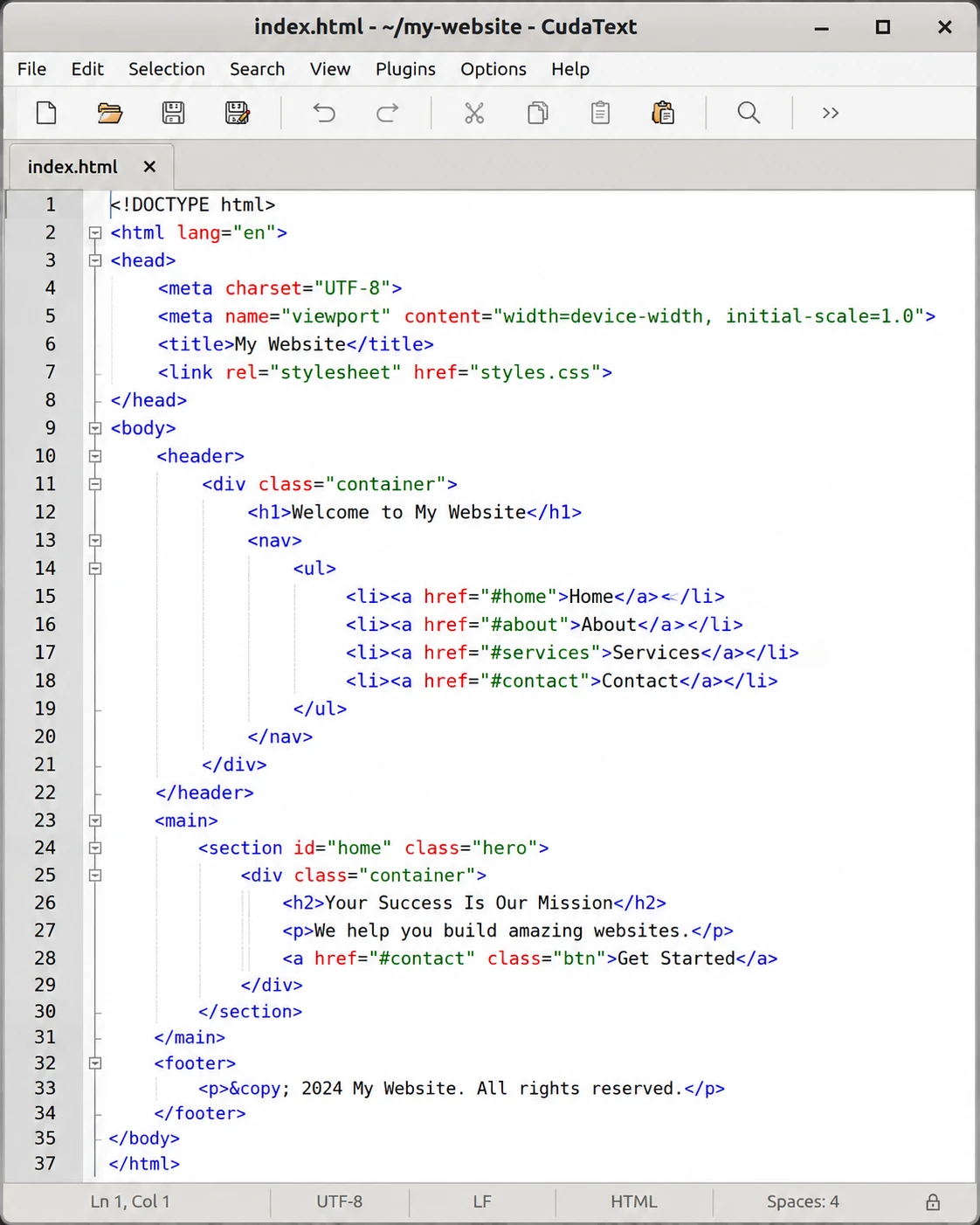
CudaText Free
A free, open-source editor in the Sublime mold: fast native binary, multi-carets, command palette and nearly 300 syntax lexers, with Python plugins adding LSP completions and linters. If you like Sublime's style but insist on open source, CudaText is your editor.
- Fast native binary, very low memory usage
- Multi-carets, multi-selections and code folding
- Nearly 300 syntax lexers available
- Python plugin ecosystem incl. LSP support
- Free, open source and portable
Visit Homepage
#9 · best for xfce
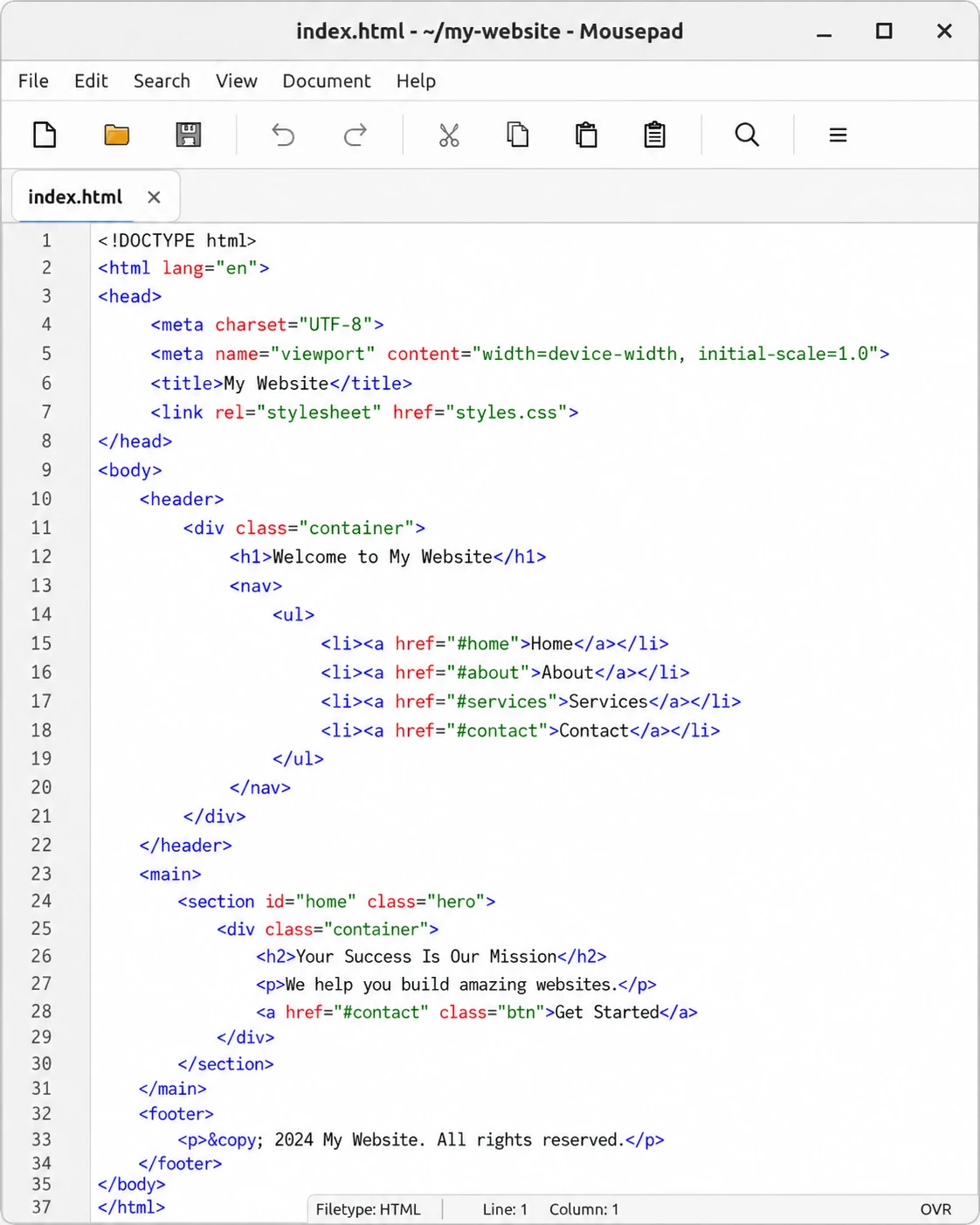
Mousepad Free
Xfce's editor proves minimal doesn't mean bare: Mousepad quietly includes syntax highlighting, tabs, multi-document search and session backup in an app that opens before your finger leaves the mouse button. The natural choice on Xfce desktops and resource-constrained machines.
- Extremely light: ideal for old or low-power hardware
- Syntax highlighting via GtkSourceView
- Tabs and multi-document find and replace
- Session backup and restore
- Default on Xfce; free and open source
Visit Homepage
#10 · lightest qt editor
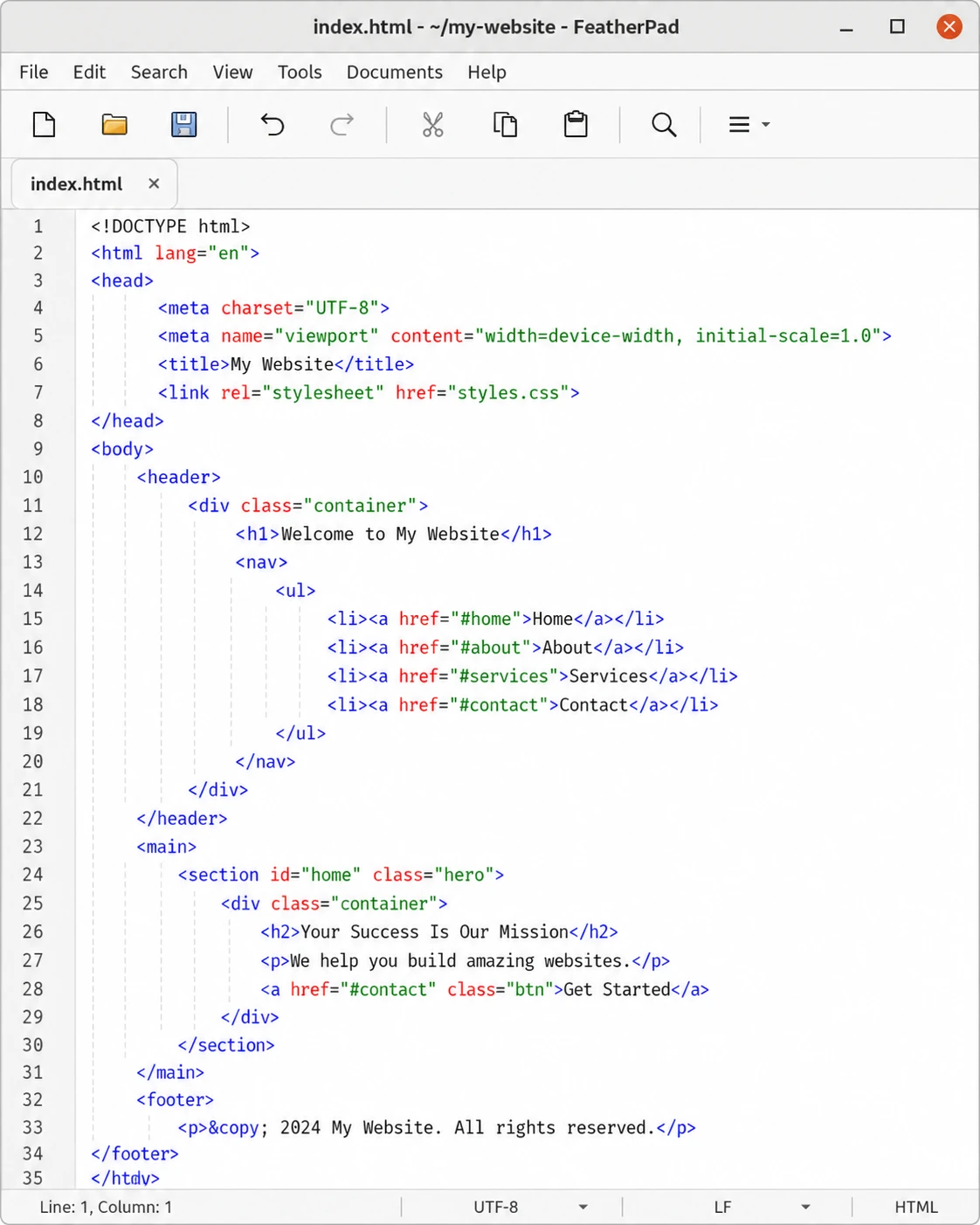
FeatherPad Free
LXQt's featherweight editor, and the lightest genuinely useful Qt editor on Linux. Despite the size it handles tabs, syntax highlighting, drag-and-drop tab detaching and even virtual desktop awareness. Perfect for reviving ancient laptops without giving up highlighting.
- One of the lightest GUI editors available
- Tabbed editing with drag-to-detach windows
- Syntax highlighting for common languages
- Instant search with match highlighting
- Default on LXQt; free and open source
Visit Homepage
#11 · notepad++ for linux
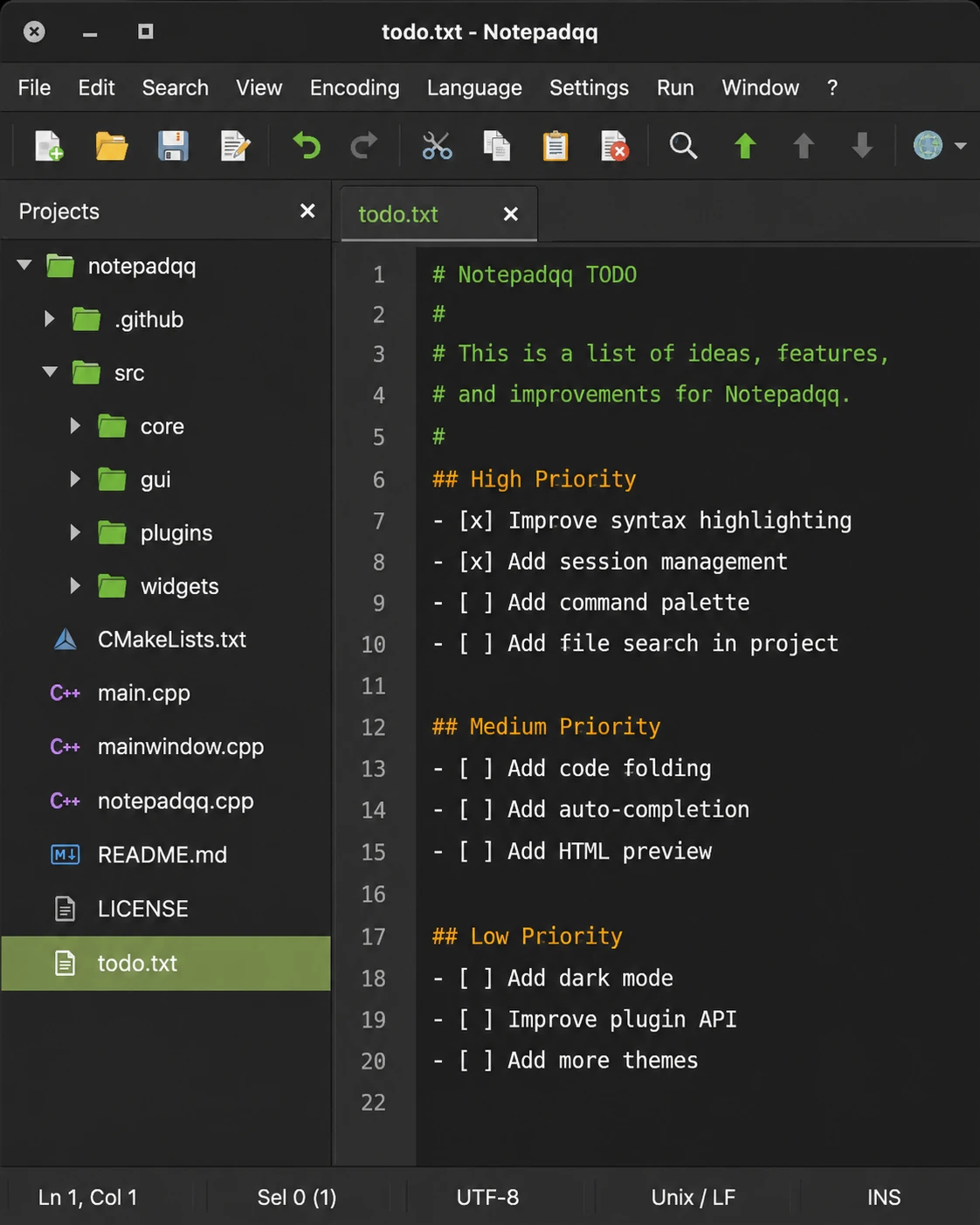
Notepadqq Free
Built from the start as the Notepad++ of the Linux desktop, and after a long quiet spell it's back: the 2.1 release moved it to a modern Qt 6 codebase with AppImage and Snap packaging. If your muscle memory was trained on Notepad++, Notepadqq's tabs, search and layout will feel like home immediately.
- Familiar Notepad++-style interface and workflow
- Syntax highlighting for 100+ languages
- Regex search, multiple selections and code folding
- Side-by-side document organization and file monitoring
- Free and open source; AppImage and Snap packages
Visit Homepage