#1 · best overall
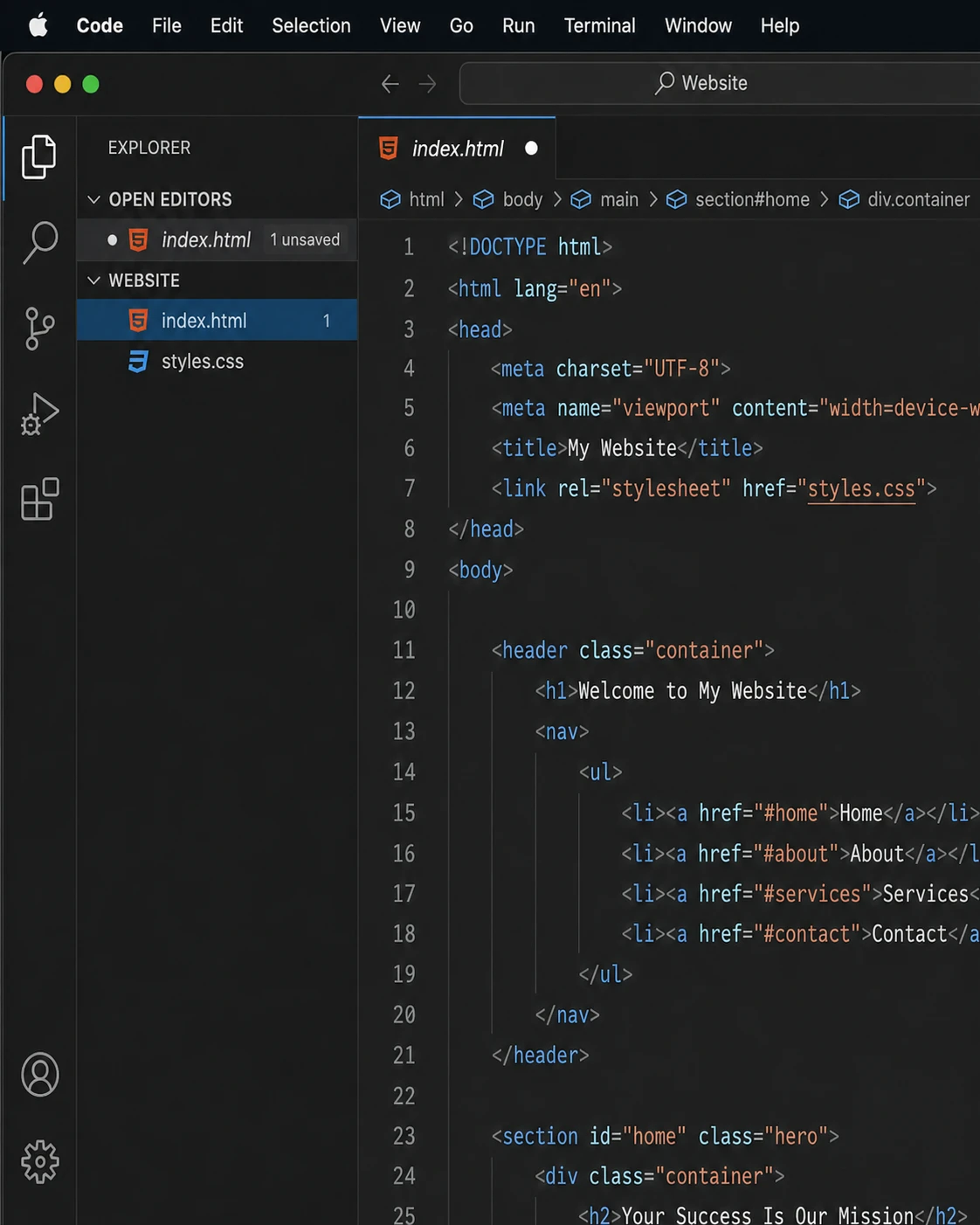
Visual Studio Code Free
The most complete free editor on the Mac. VS Code's extension marketplace covers every language and framework, IntelliSense and debugging are built in, and native Apple Silicon builds keep it responsive. It's heavier than the native Mac editors below, but no free tool offers more for daily development.
- Native Apple Silicon build with strong performance
- Tens of thousands of extensions for any workflow
- IntelliSense completions, debugging and Git built in
- Integrated terminal and remote development over SSH
- AI-assisted coding via GitHub Copilot integration
Visit Homepage
#2 · best paid editor
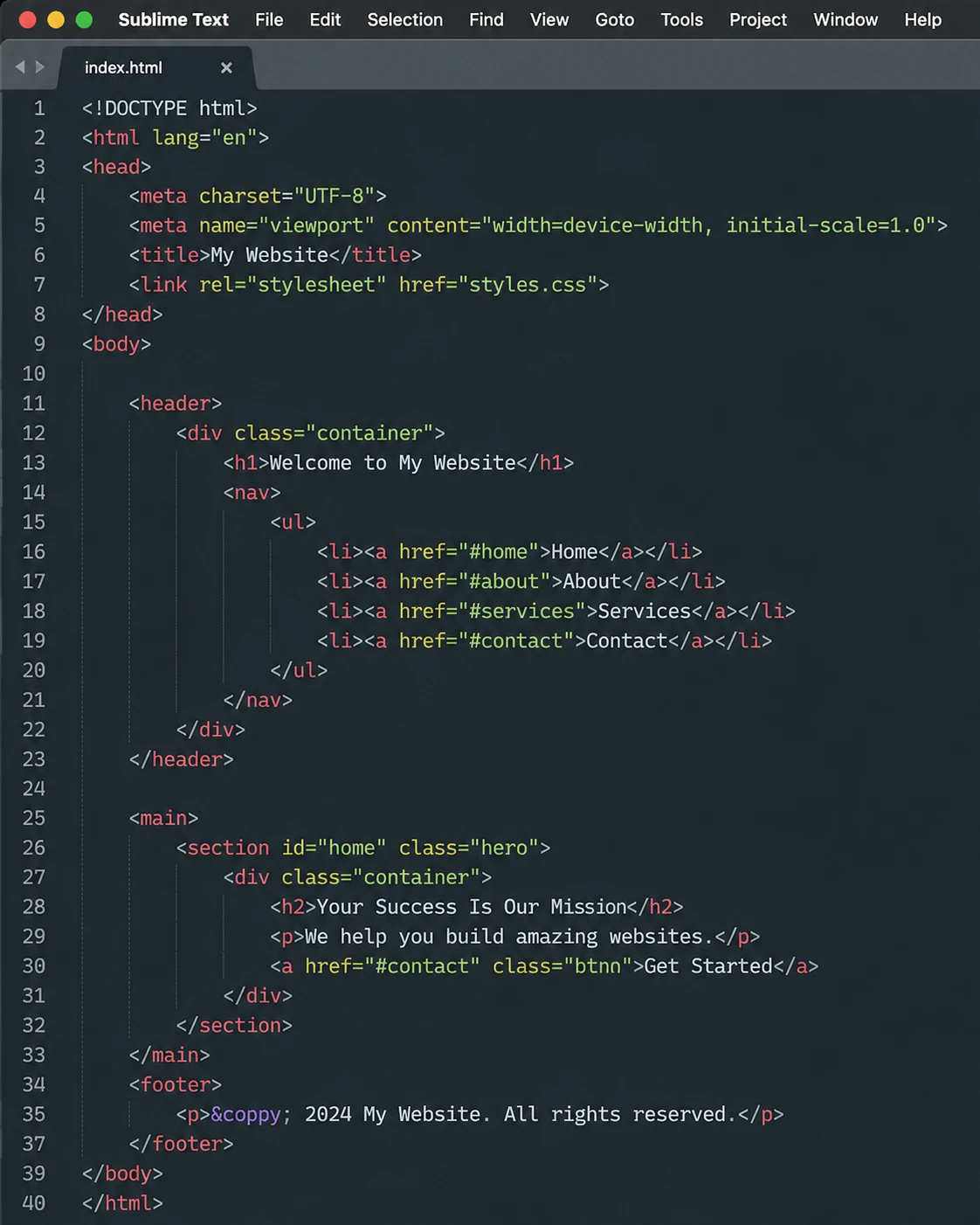
Sublime Text Paid
Born on the Mac and still the smoothest editing experience on it. GPU-accelerated rendering makes even huge files scroll like silk, and Goto Anything plus multi-cursor editing remain the gold standard. One-time $99 license with unlimited free evaluation.
- Exceptional speed, even with very large files
- Goto Anything: instant navigation to files, symbols, lines
- Best-in-class multi-cursor and column selection
- Package Control ecosystem with thousands of plugins
- One-time license, free unlimited evaluation
Visit Homepage
#3 · best mac-native power tool
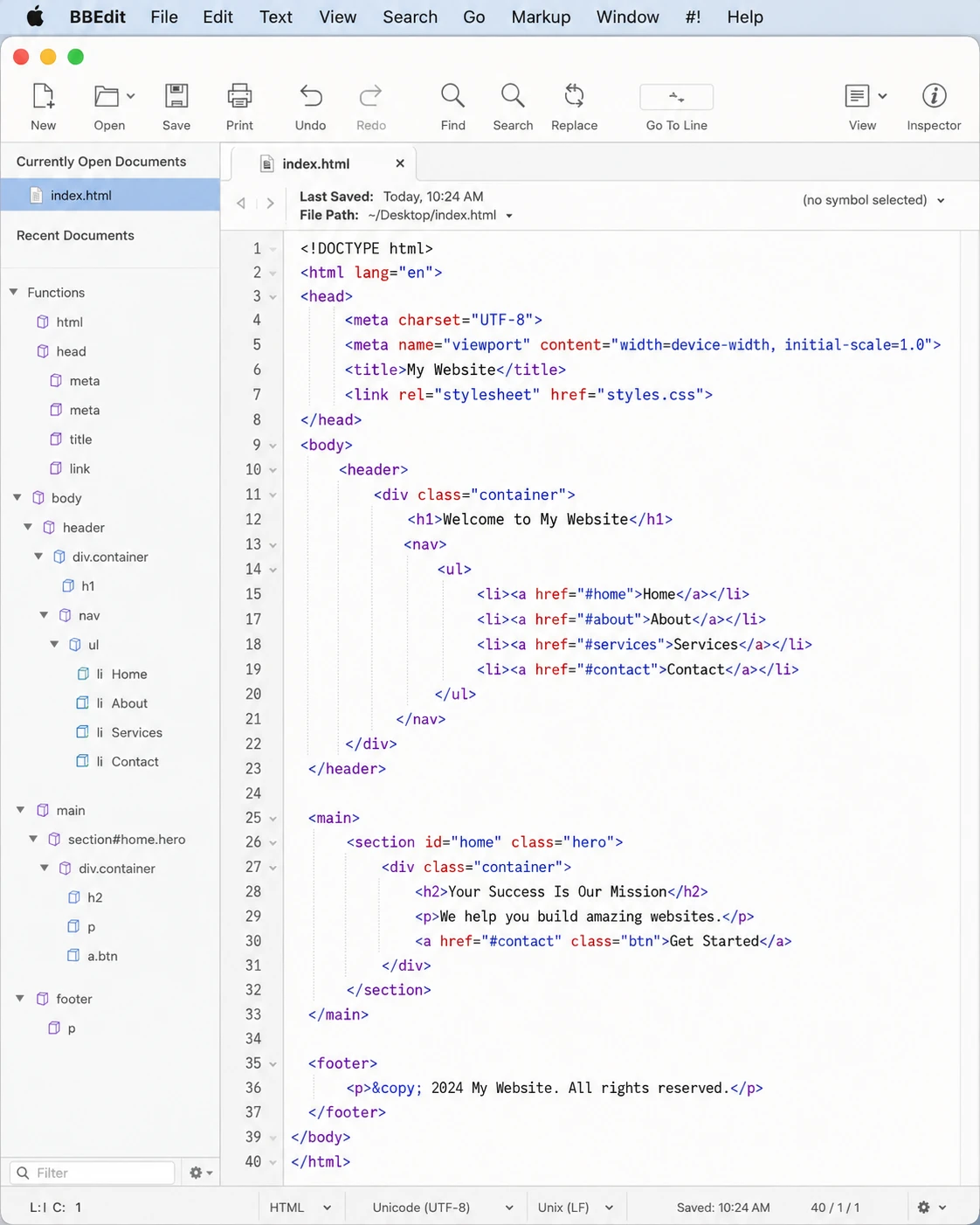
BBEdit Paid
The Mac institution: continuously developed since 1992 and beloved by writers, sysadmins and web developers alike. Nothing transforms and searches text like BBEdit, whose multi-file grep can chew through millions of files. Its permanent free mode keeps the core features unlocked forever, so it costs nothing to fall in love with.
- Industrial-strength grep search across huge folder trees
- Unmatched text transformation and Text Factory automation
- Pattern Playgrounds for building regex interactively
- Deep macOS integration, AppleScript and shell support
- Permanent free mode; one-time license for full features
Visit Homepage
#4 · fastest editor
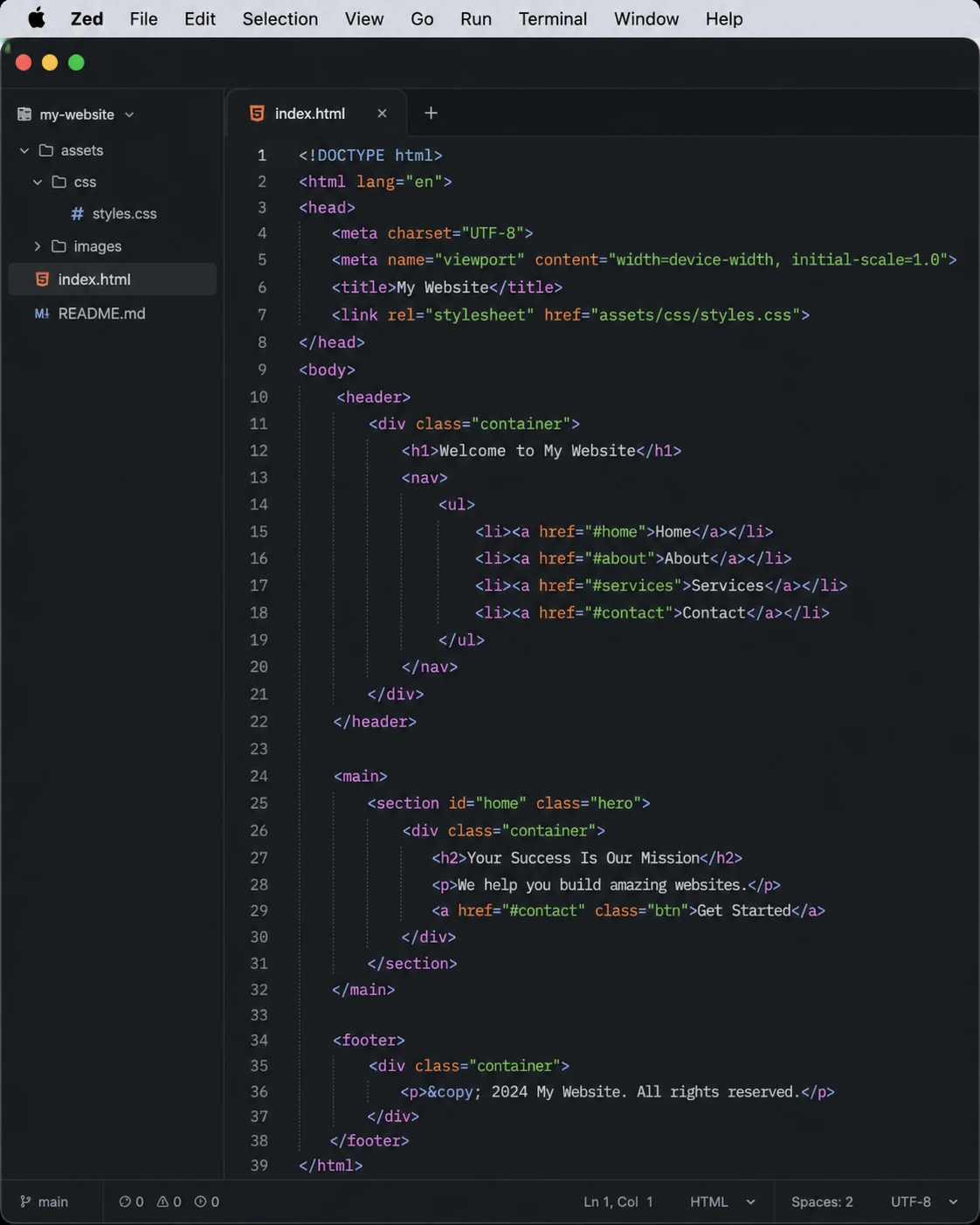
Zed Free
Built by the creators of Atom as an apology for Atom's slowness: Zed is written in Rust, renders on the GPU, and feels instant in a way that has to be experienced. Real-time collaboration and AI-assisted editing are built in, and it's free and open source.
- Fastest editor on macOS: Rust core, GPU rendering
- Built-in real-time collaboration and shared sessions
- Language server support out of the box
- Integrated AI assistant for edits and refactors
- Free, open source and rapidly improving
Visit Homepage
#5 · most mac-like
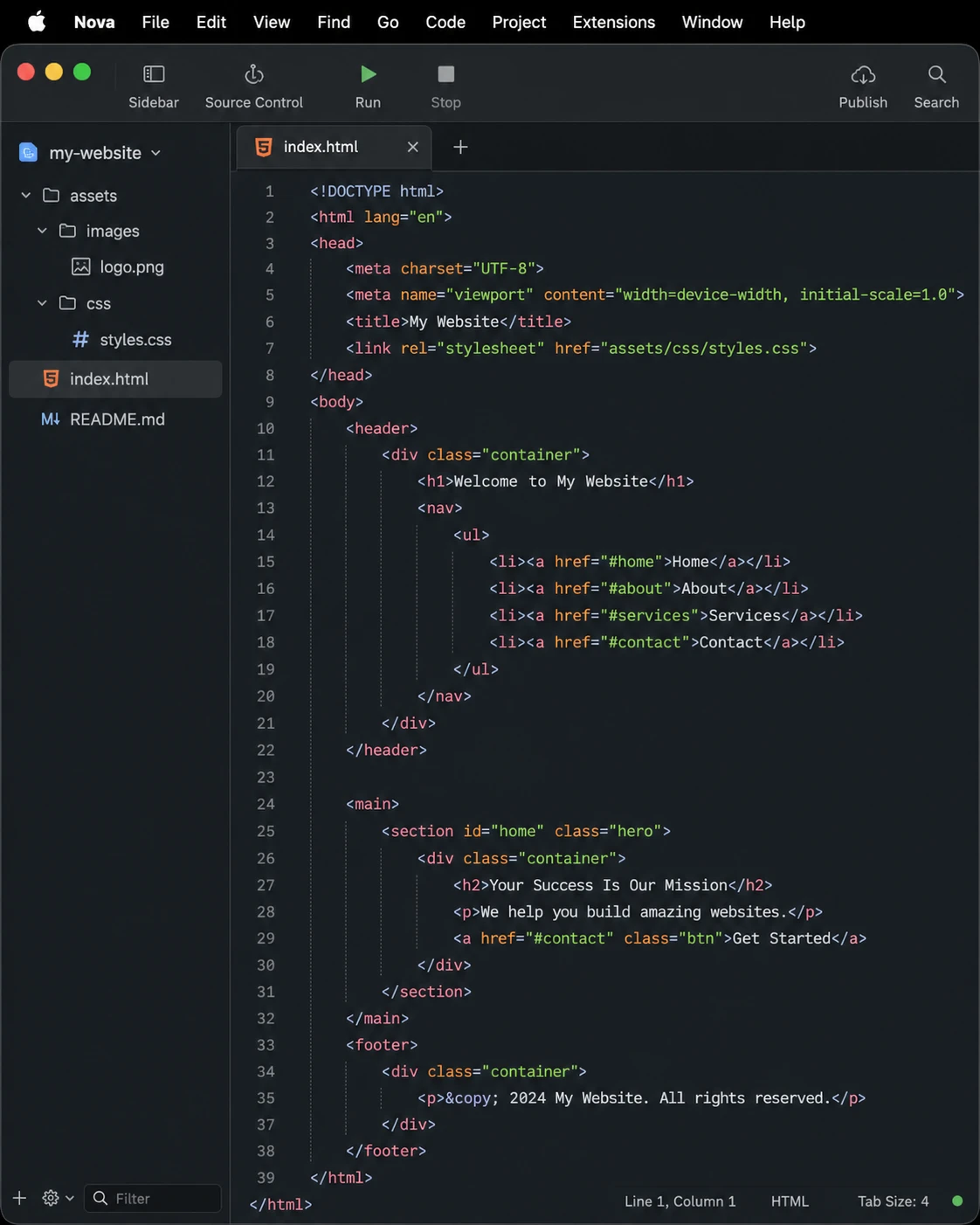
Nova Paid
Panic's Nova is what happens when a design-obsessed Mac company builds an editor: it looks and behaves exactly like a modern macOS app should. Beyond the polish it is a real workhorse, with built-in tasks, a debugger, and remote publishing inherited from Panic's Transmit.
- Gorgeous, truly native macOS interface
- Built-in FTP/SFTP/WebDAV publishing to servers
- Task runner, debugging and version control included
- Extension library with themes and language support
- One-time purchase with a year of updates
Visit Homepage
#6 · best free lightweight
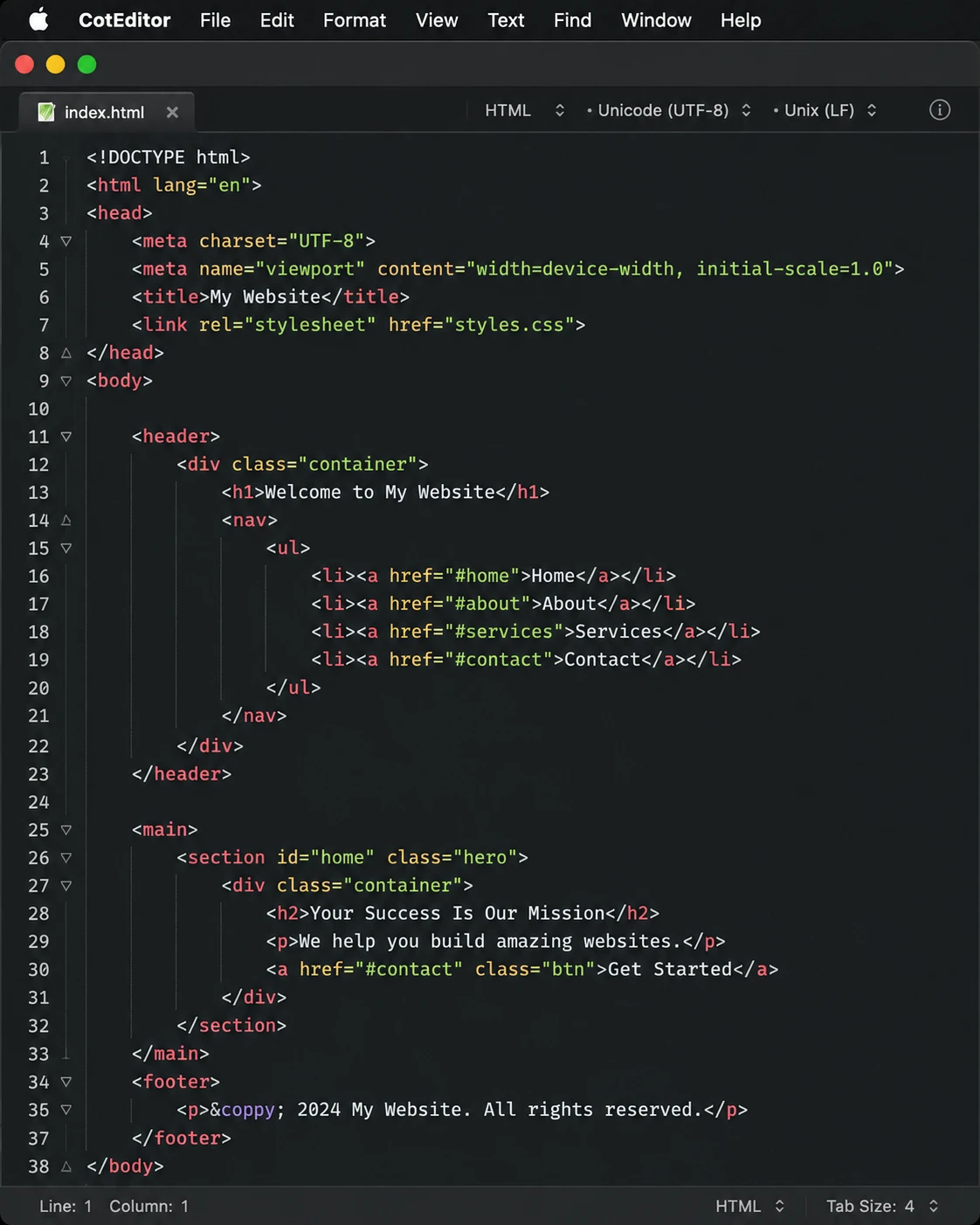
CotEditor Free
The friendliest free editor on the Mac. CotEditor is a lightweight, fully native app from the Mac App Store that launches instantly and just works: syntax highlighting, regex find and replace, and clean handling of encodings, with no setup at all. The ideal TextEdit replacement.
- Fully native, sandboxed macOS app; instant launch
- Syntax highlighting for 50+ languages
- Regex find and replace with live highlighting
- Powerful encoding and line-ending handling
- Free and open source, on the Mac App Store
Visit Homepage
#7 · the classic
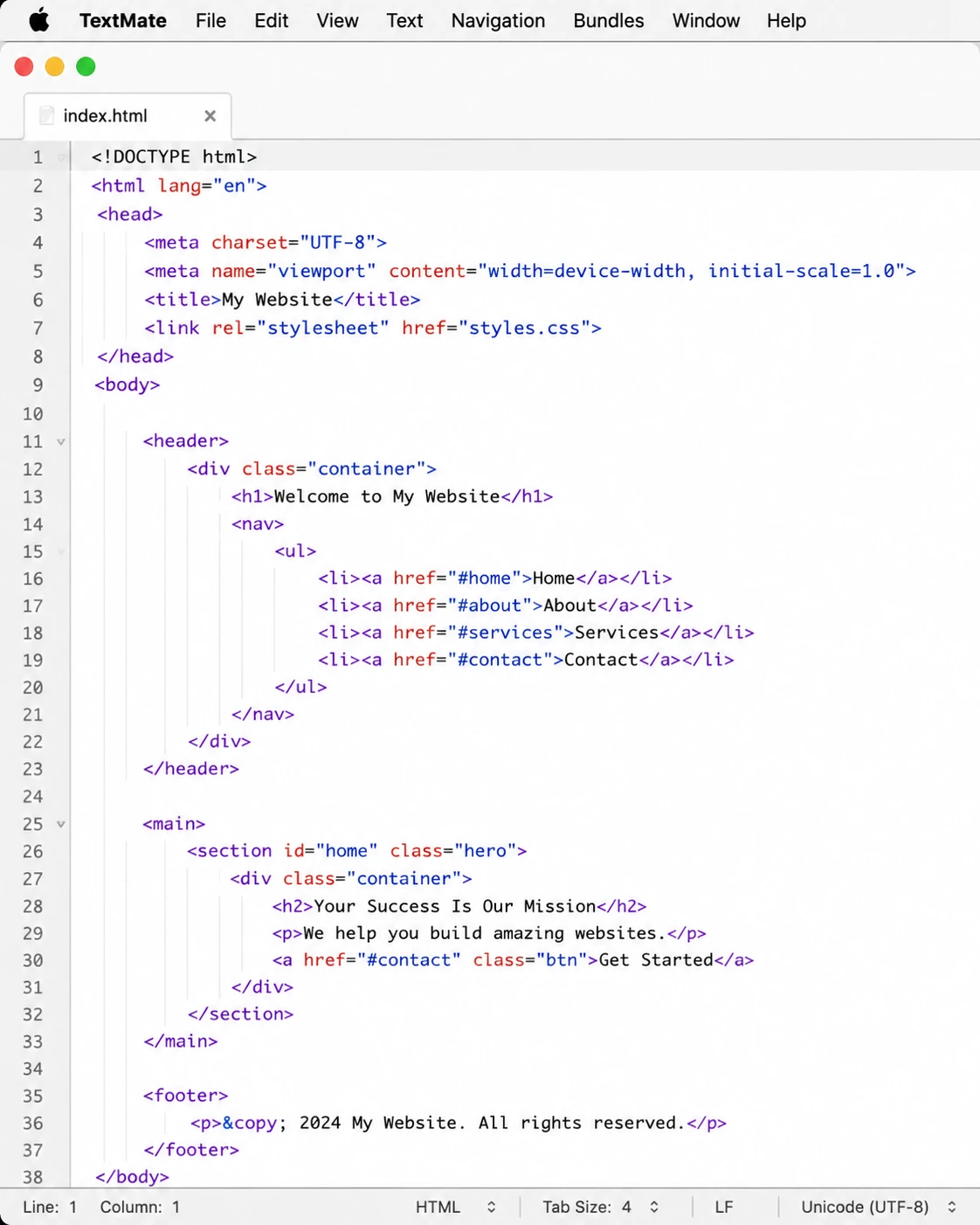
TextMate Free
The editor that invented snippets and bundles and inspired both Sublime Text and VS Code (whose grammar format is literally TextMate's). Now free and open source, TextMate 2 remains a fast, elegant editor with an automation system Mac power users still swear by.
- Legendary bundle system for snippets and commands
- The origin of the syntax grammar VS Code still uses
- Fast, minimal, genuinely Mac-native feel
- Shell integration for scripted text automation
- Completely free and open source
Visit Homepage
#8 · best for huge files
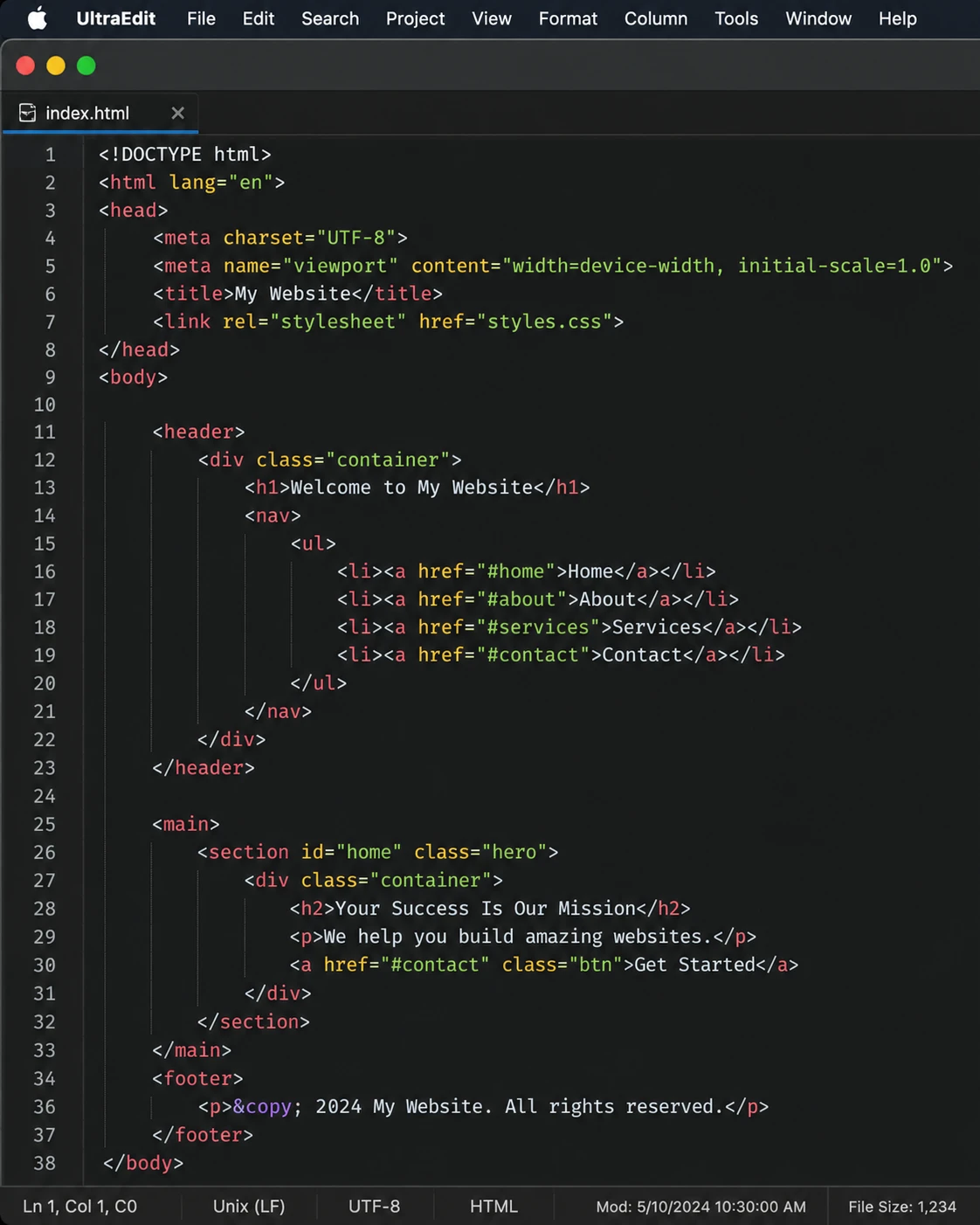
UltraEdit Paid
The go-to on macOS when a file is simply too big for anything else. UltraEdit opens multi-gigabyte logs and dumps, edits binaries in hex mode and does column editing, capabilities almost no Mac-native editor offers. Subscription pricing, aimed squarely at professionals.
- Opens multi-gigabyte files other Mac editors refuse
- Hex editing and column/block mode
- Integrated FTP/SFTP for remote file editing
- Large-scale find and replace across directories
- Cross-platform license covers Windows and Linux too
Visit Homepage
#9 · best free power features
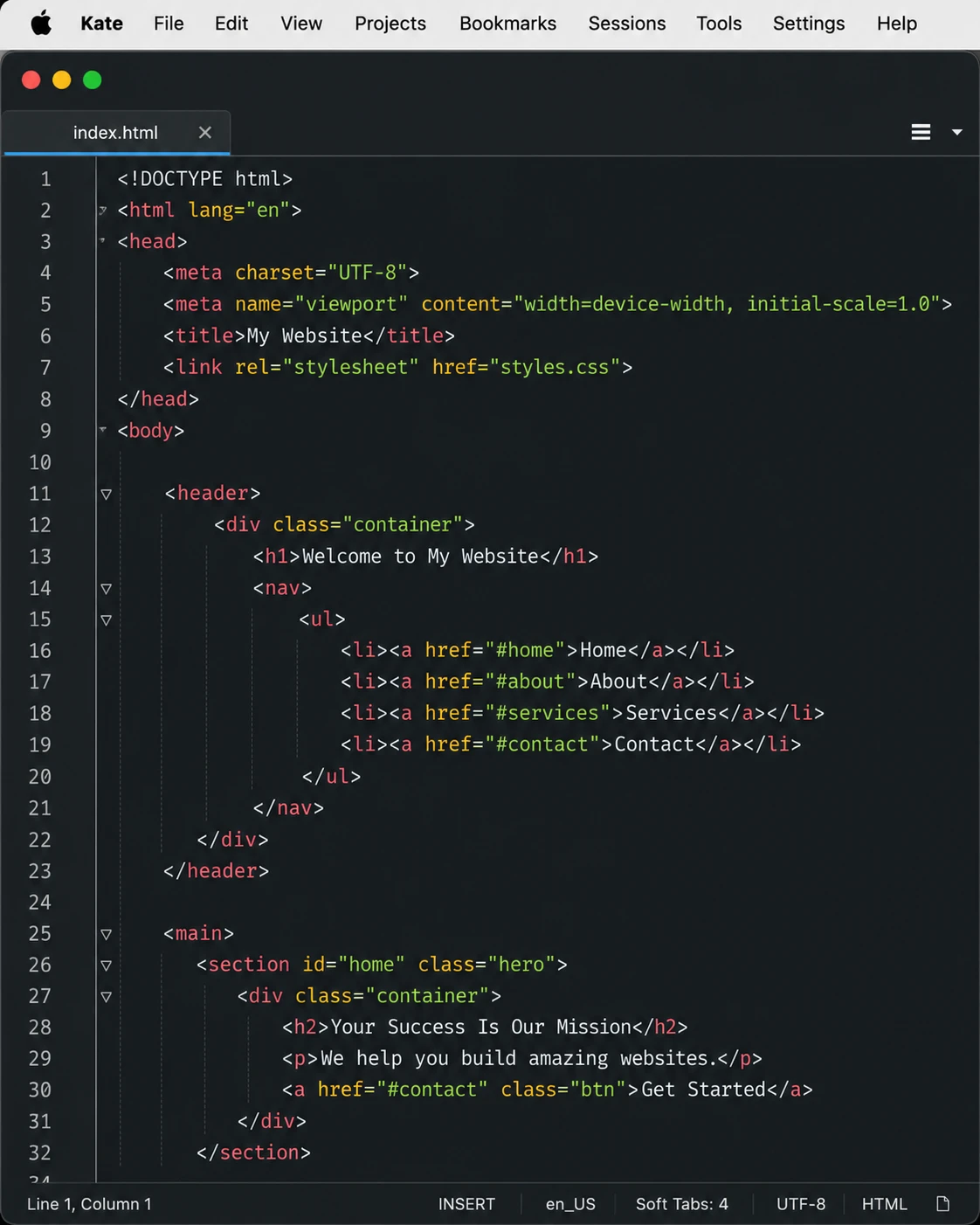
Kate Free
KDE's advanced editor runs surprisingly well on macOS and brings a feature set most free Mac editors can't touch: split views, LSP completions, an embedded terminal and project support. It looks less Mac-native than CotEditor or Nova, but the capability per dollar (zero) is unbeatable.
- Split views and multi-document interface
- LSP support for IDE-style completions
- Embedded terminal panel
- Highlighting for 300+ languages and formats
- Free, open source, cross-platform
Visit Homepage
#10 · the built-in baseline
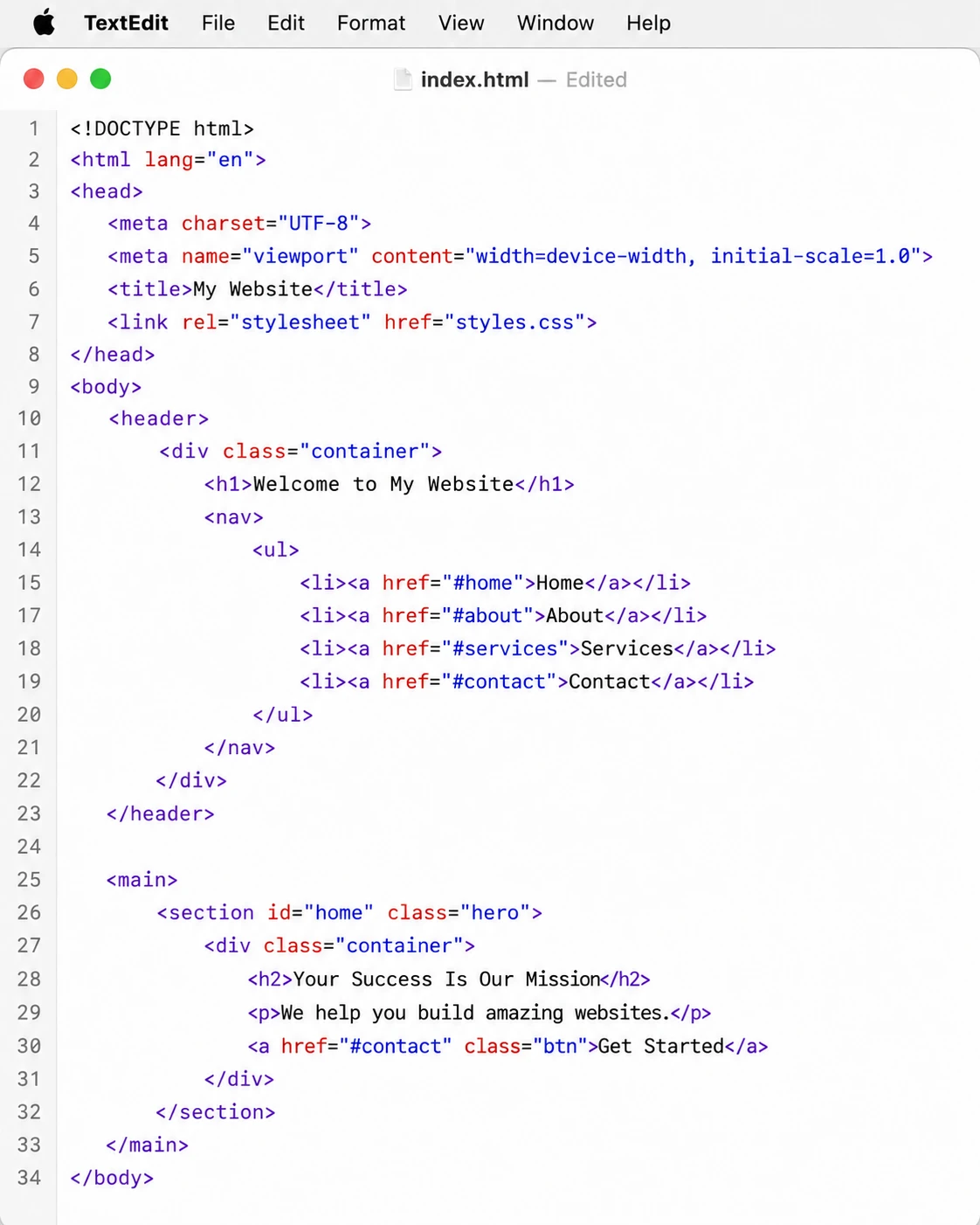
TextEdit Free
Already on every Mac, and fine for quick edits once you know its one trap: it defaults to rich text. Switch to plain text mode (Format > Make Plain Text) before touching code or config files. No highlighting, no regex, but zero installation, and sometimes that's all a quick edit needs.
- Pre-installed on every Mac
- Plain text mode for code and config files
- iCloud sync and autosave built in
- Opens RTF, Word and HTML documents too
- Instant, zero-setup editing
Visit Homepage
#11 · the extensible legend
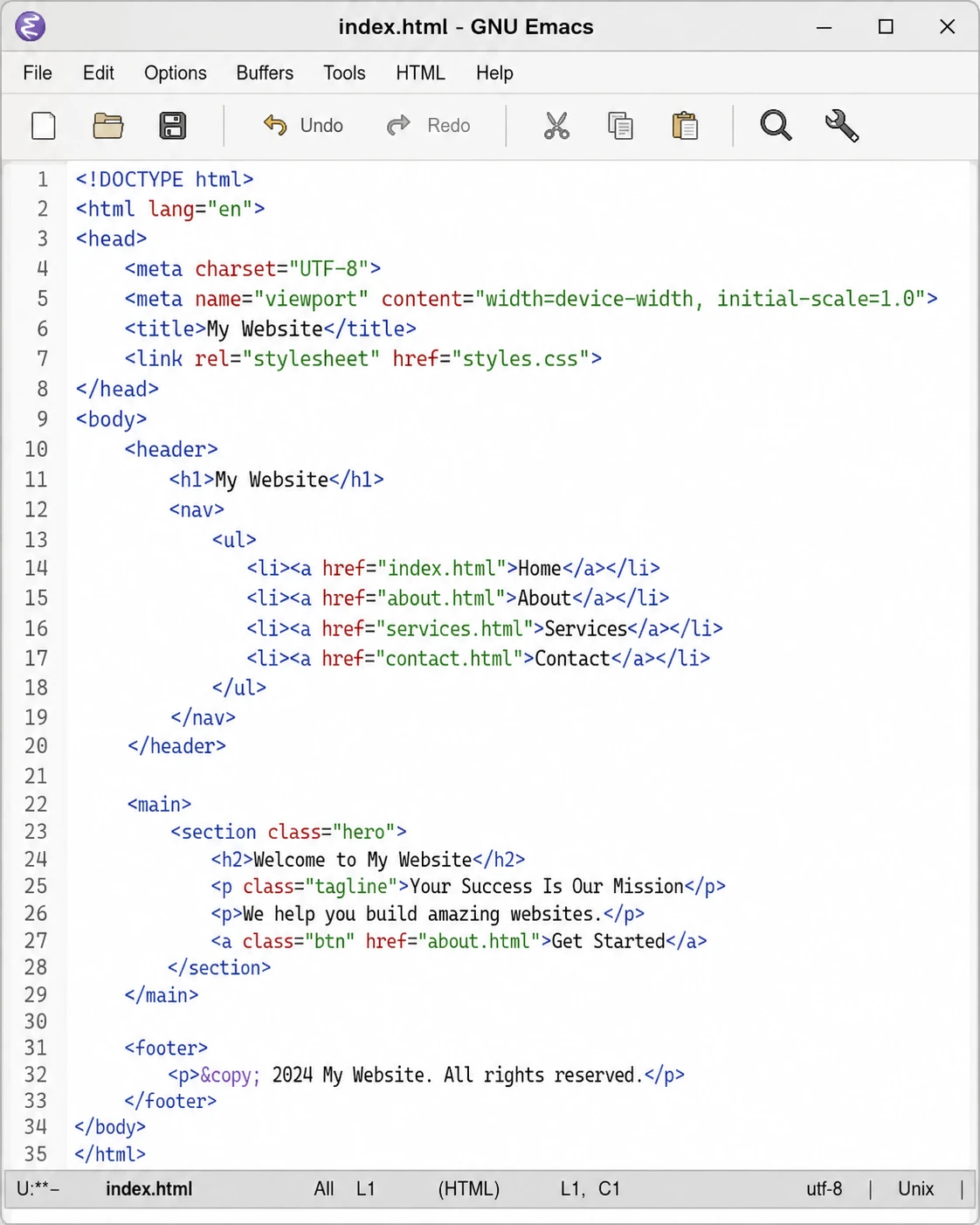
GNU Emacs Free
Nearly fifty years old and still without an equal for depth: Emacs is less an editor than a programmable text environment. On the Mac it runs beautifully as a native app, and Org mode alone (notes, agendas, literate documents) justifies the famous learning curve. If you invest in it once, it pays you back for decades.
- Endlessly customizable via Emacs Lisp
- Org mode: outlining, agendas, notes and export
- Thousands of packages: magit, LSP, mail, terminals
- Native macOS builds available (Homebrew or installer)
- Free software, maintained since 1976
Visit Homepage
#12 · best with ipad/iphone sync
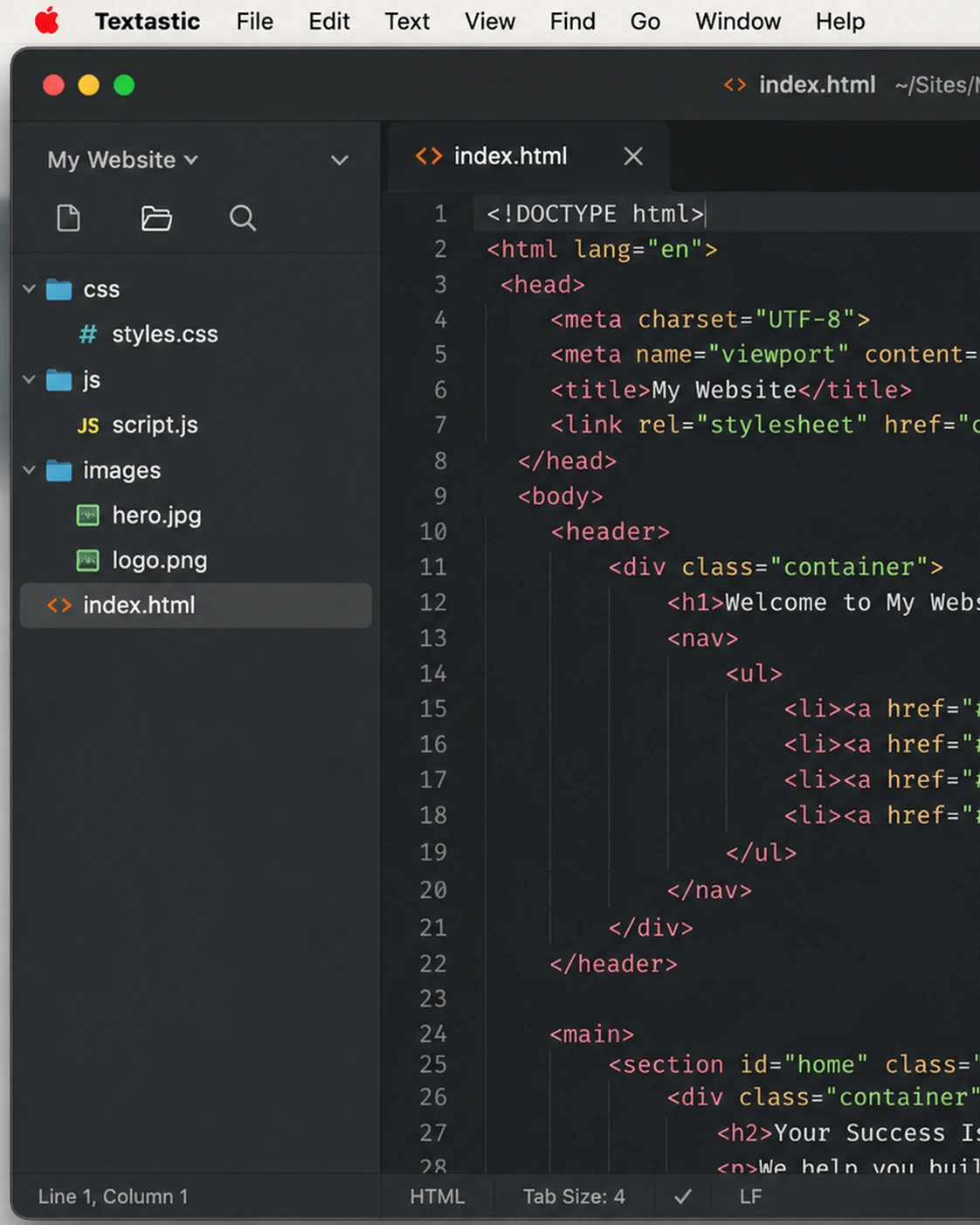
Textastic Paid
A fast, focused Mac editor from an indie developer, and the natural pick if you already code on an iPad: the acclaimed iOS version syncs files with the Mac app through iCloud Drive. Syntax highlighting covers 80+ languages, and it reads TextMate and Sublime Text syntax definitions and themes, all for a small one-time price on the Mac App Store.
- Syntax highlighting for 80+ languages
- iCloud sync with Textastic for iPad and iPhone
- Compatible with TextMate and Sublime Text themes
- Tabs, folder sidebar, find in files and symbol list
- Inexpensive one-time purchase on the Mac App Store
Visit Homepage
#13 · best for markdown & writing
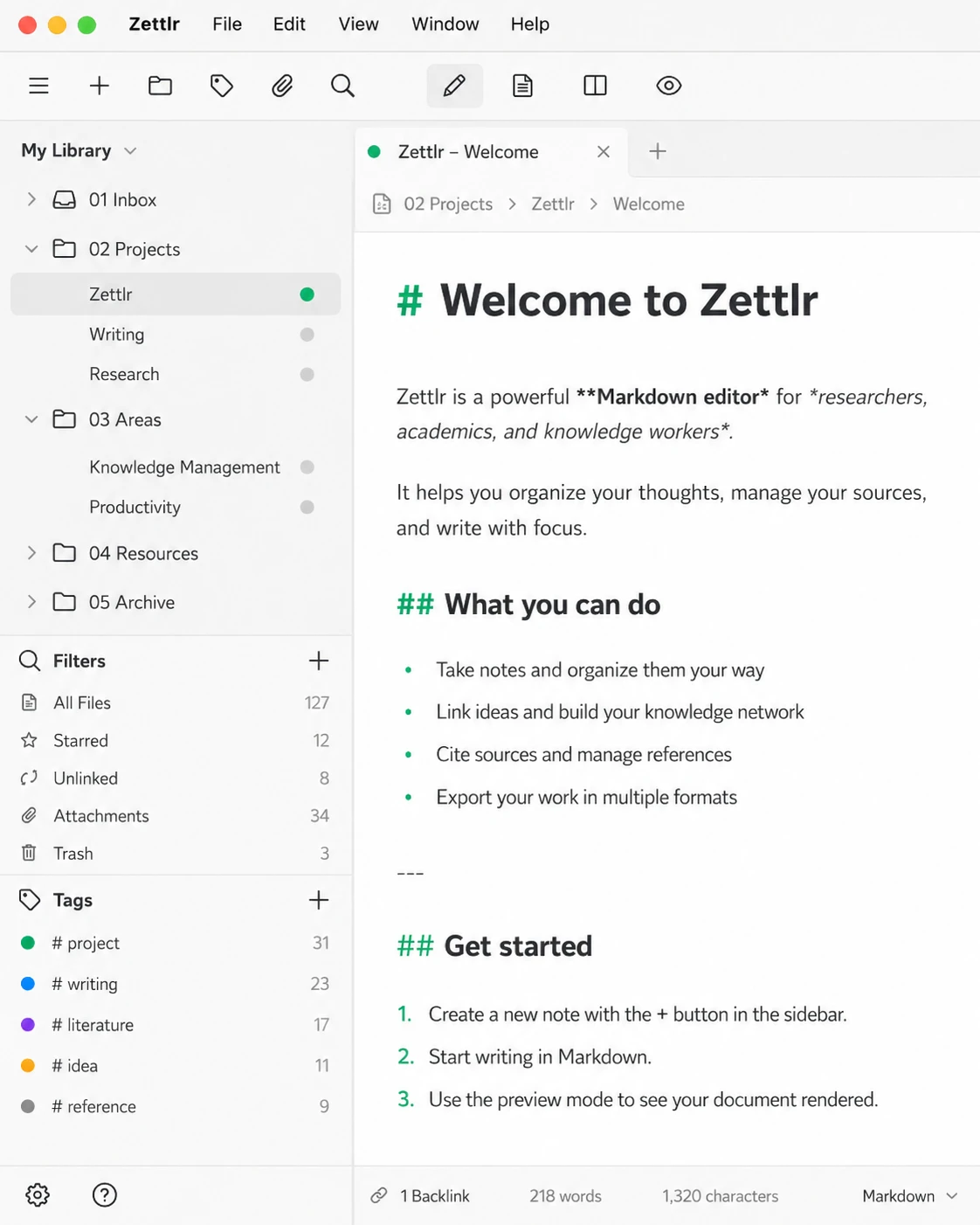
Zettlr Free
The one entry here aimed at writers rather than programmers. Zettlr is a free, open-source Markdown workbench built for academic and long-form writing: Zettelkasten-style note linking, citations straight from Zotero or JabRef, and Pandoc-powered export to PDF, Word and LaTeX. Everything stays in local files with no forced cloud.
- Distraction-free Markdown editing with live preview
- Citations via Zotero, JabRef and 9,000+ CSL styles
- Zettelkasten note linking and full-text search
- Export to PDF, DOCX, HTML and LaTeX via Pandoc
- Free, open source and privacy-first (no telemetry)
Visit Homepage
#14 · notepad++ style
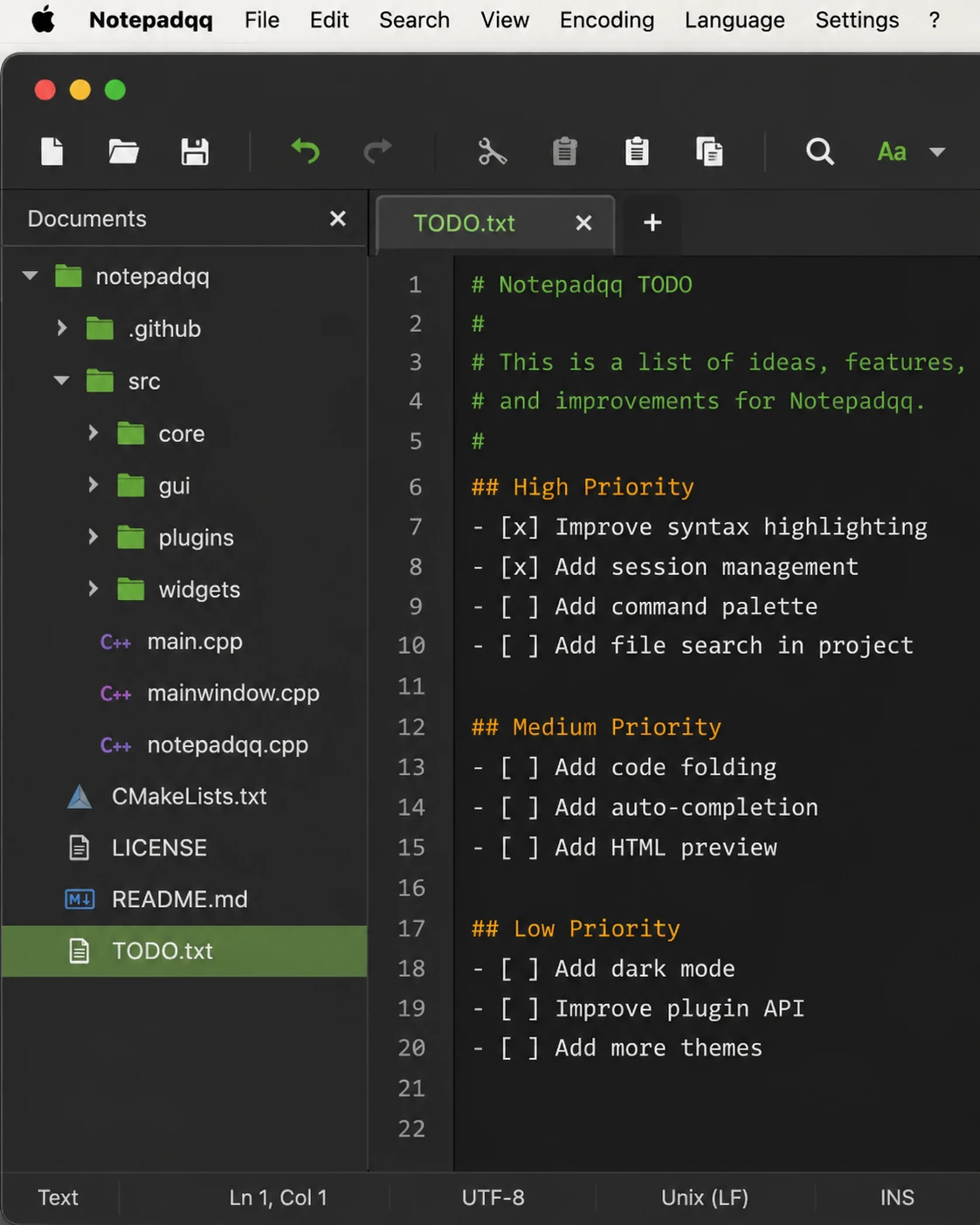
Notepadqq Free
Long known as the Notepad++ of Linux, Notepadqq now ships macOS builds as well following its Qt 6 rewrite in version 2.1. It's the most literal answer to "I want Notepad++ on my Mac": familiar tabs, regex search and 100+ highlighted languages, completely free and open source. Less Mac-native in feel than CotEditor, but instantly familiar to Windows switchers.
- Closest thing to Notepad++'s interface on macOS
- Syntax highlighting for 100+ languages
- Regex search, multiple selections and code folding
- Also on Linux: same editor across both platforms
- Free and open source
Visit Homepage